



Charleston
Interior Design Installation Update Template for Hotels
An installation update an interior design studio sends during install: progress against plan, what the rooms look like now, what went wrong, the days ahead and the risks to the opening date.
Make it yours, in seconds
Every template is a starting point. Drag to shift colour, typography and layout — the live preview updates as you move.
Move the dots to shift colour, typography and layout. The preview updates live.
Get more from every document
Show hotel clients exactly where FF&E installation stands each day, from rooms finished to what's slipping. Verified counts, a plan-versus-actual chart, and a five-day look-ahead keep owners reading instead of calling.
Make the report look like your brand
Swap colours, type, and layout so your charts and findings read like your studio's work, not a spreadsheet export.
Build reports from ready-made sections
Drop in charts, steps, and accordions, then save your best-performing report sections to reuse in the next one.
Charts that read well on phones
Your hero, charts, and showcase resize cleanly, so a client checking results on mobile sees what you intended.

See which findings hold attention
Heatmaps show whether readers stall on the charts or skip to tasks, so you know when to follow up and what to say.
Know the moment they open it
Get pinged when your client views the report, comments on a chart, or signs off, so you can reply while it's fresh.
Write the report together, live
Your analyst tunes the charts while you rewrite the summary, both in the same document, with no versions to merge.
See how every part fits
The report opens with today's day count and verified status, then moves through problems and progress before closing on the countdown to first guests. Keep what fits your site, drop what doesn't, and reorder anything.
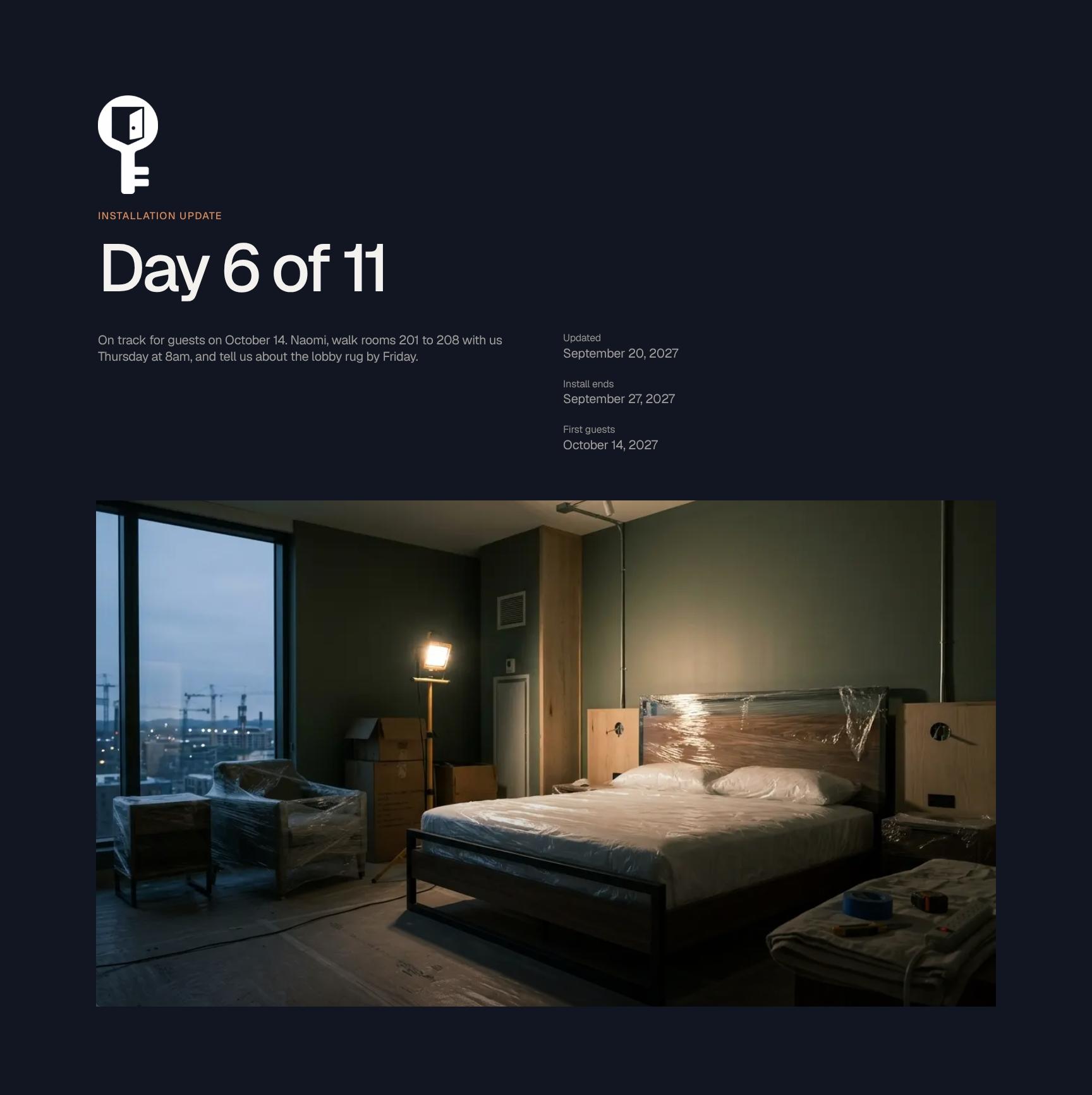
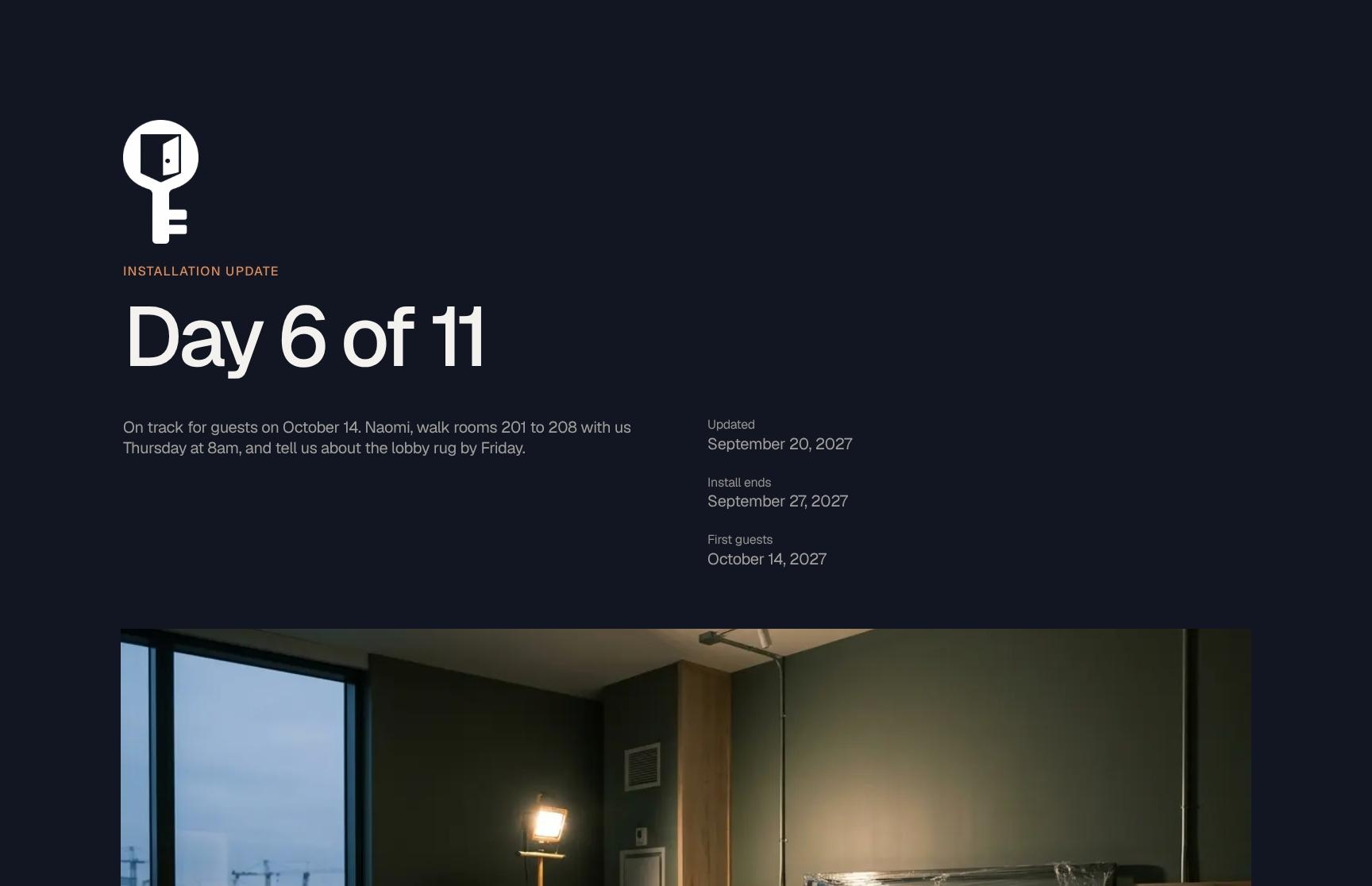
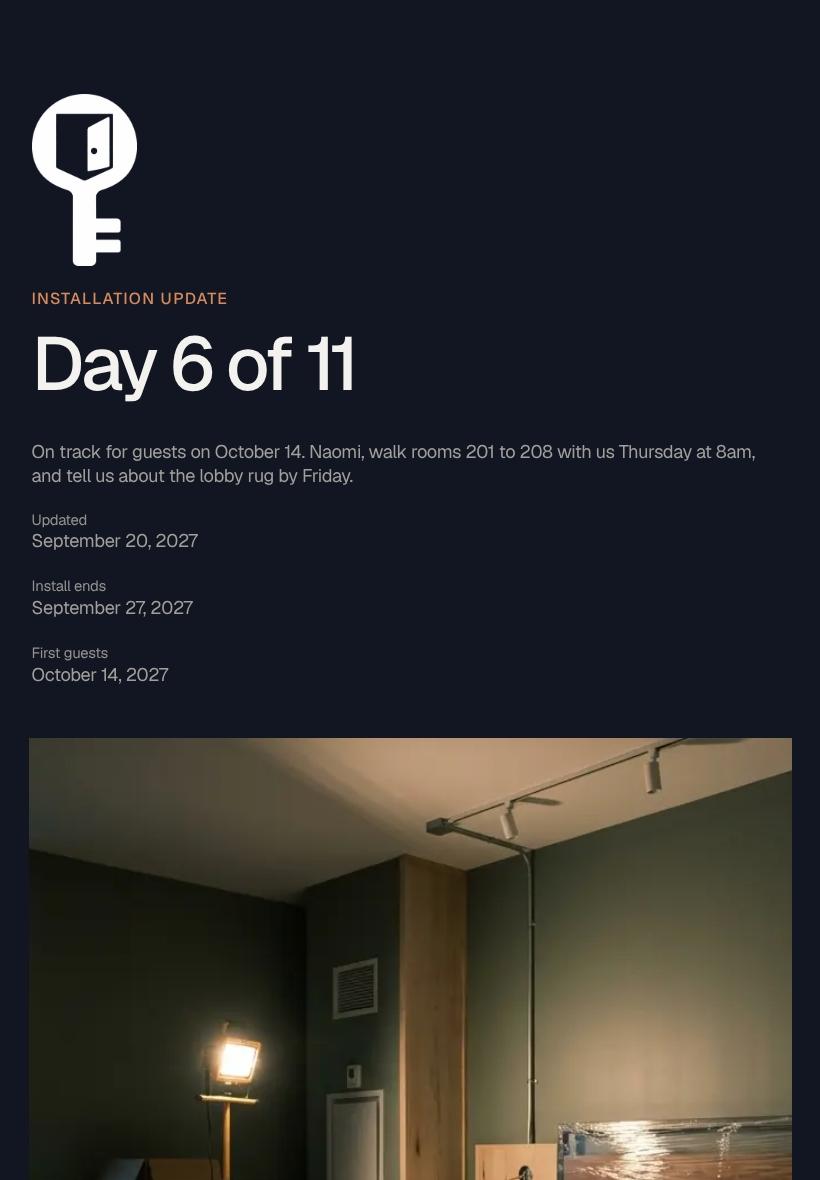
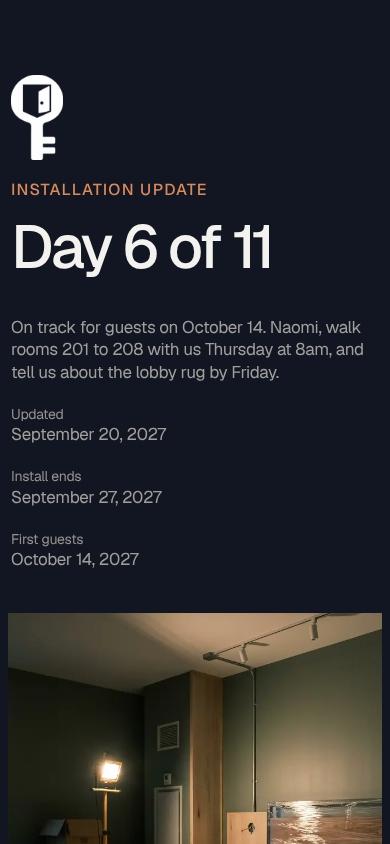
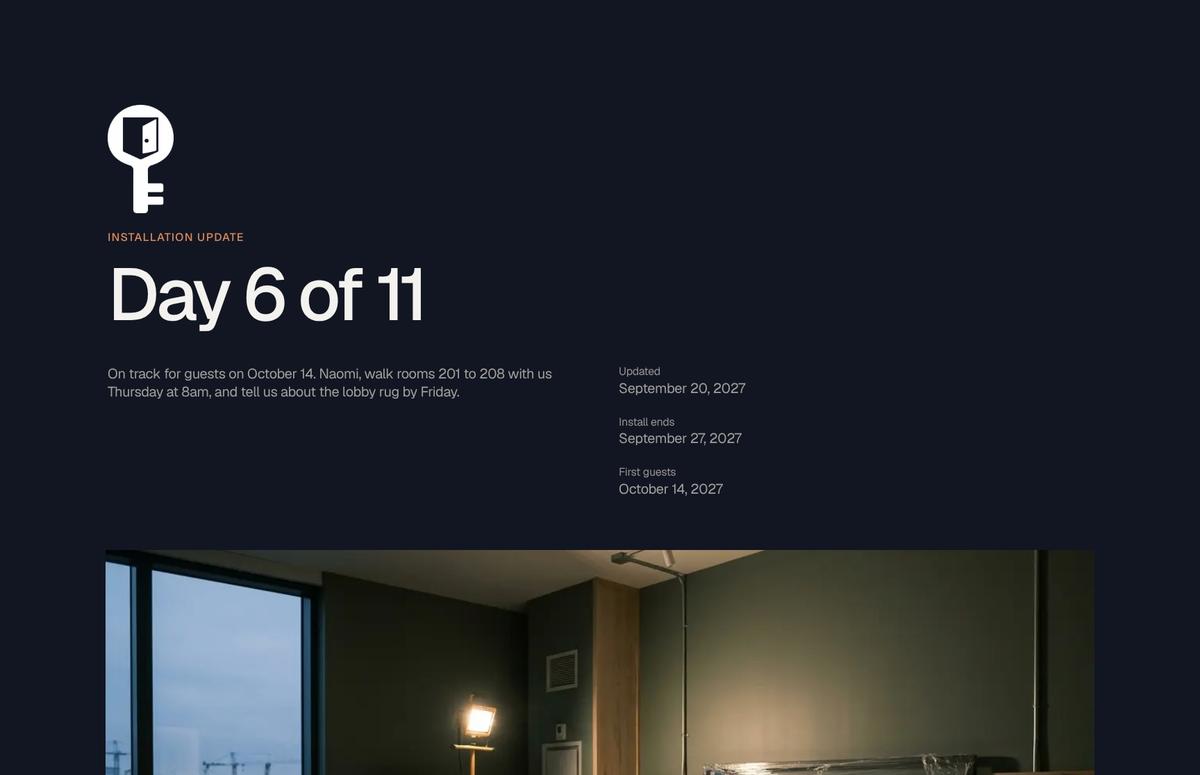
Daily Installation Update Header with Day Count and Opening Date
Opens each report with the installation day (Day 6 of 11), the on-track status for the October 14 guest date, and direct asks for named team members. Readers know the headline and their action items in seconds.
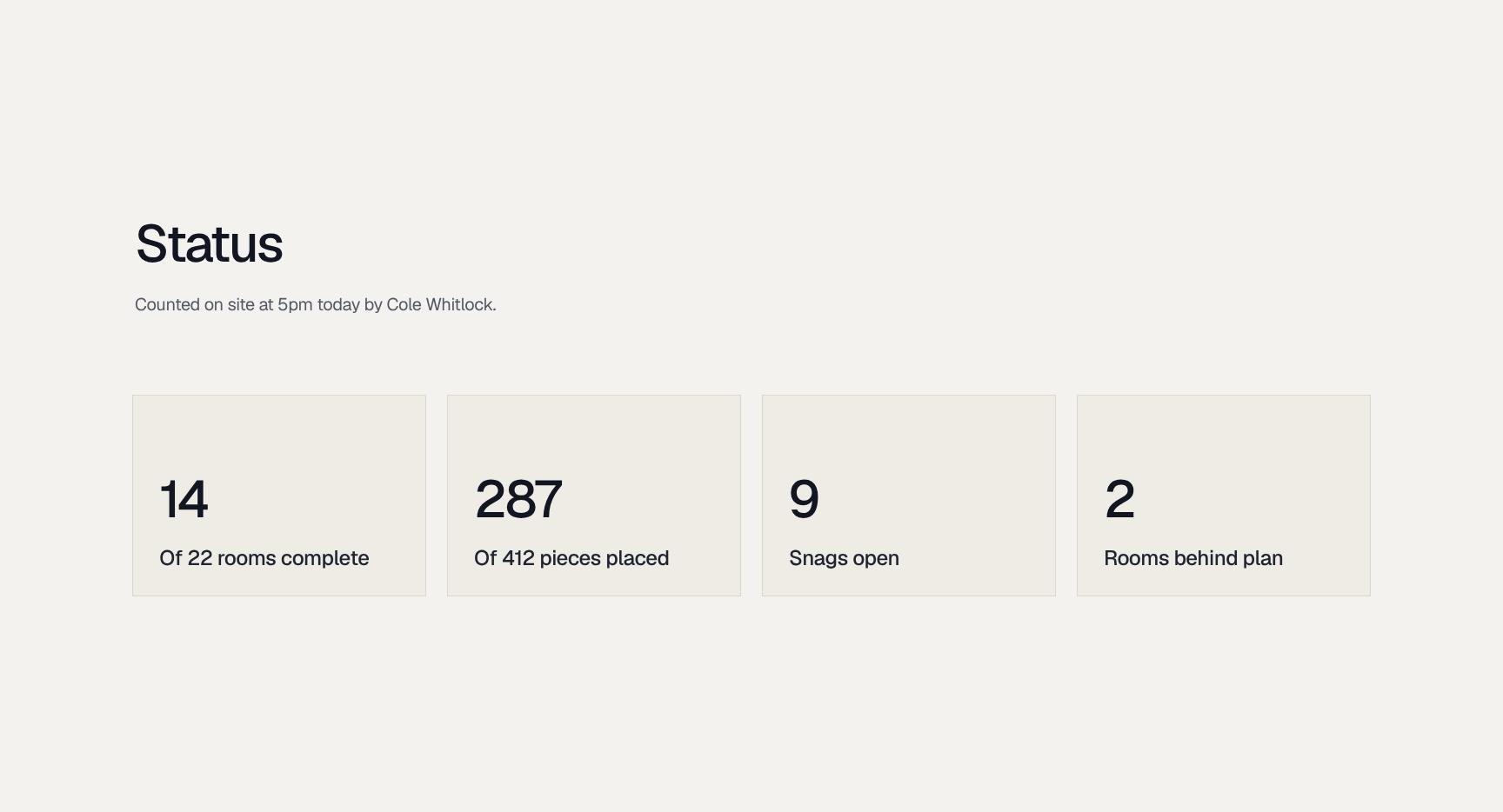
Verified On-Site Status Card with Count Source
A compact status card showing what was counted on site, when, and by whom (Cole Whitlock, 5pm). Naming the source and time builds trust in the numbers and makes every figure traceable.
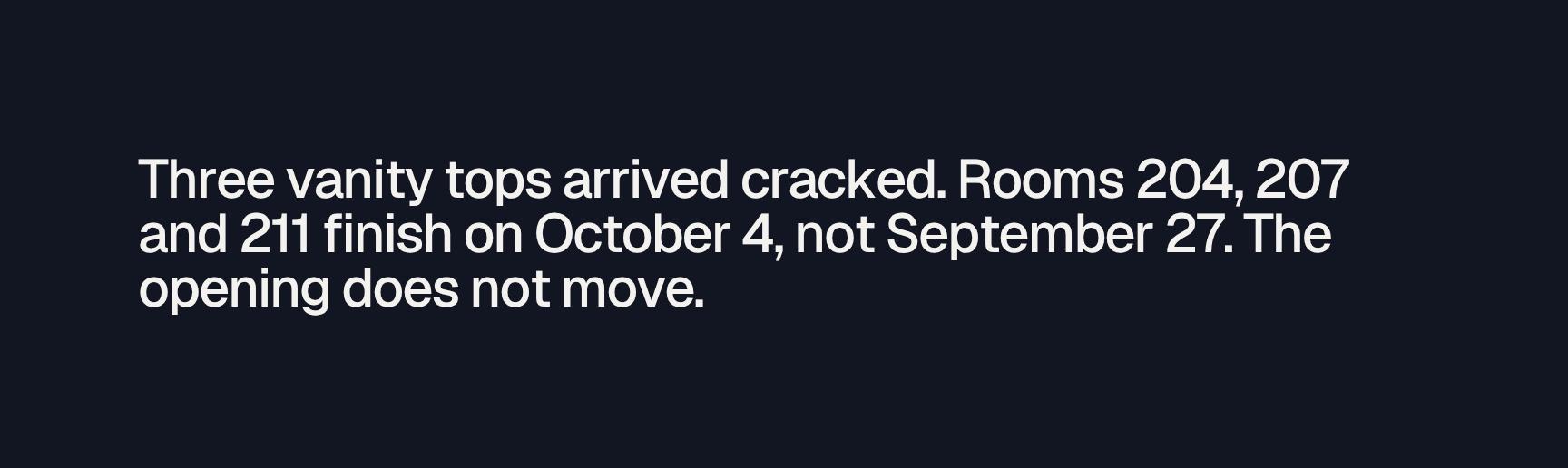
Key Issue Callout: Damaged Deliveries and Schedule Impact
Highlights the one thing stakeholders must know: three cracked vanity tops, the affected rooms (204, 207, 211), the revised finish date of October 4, and confirmation that the opening date holds.
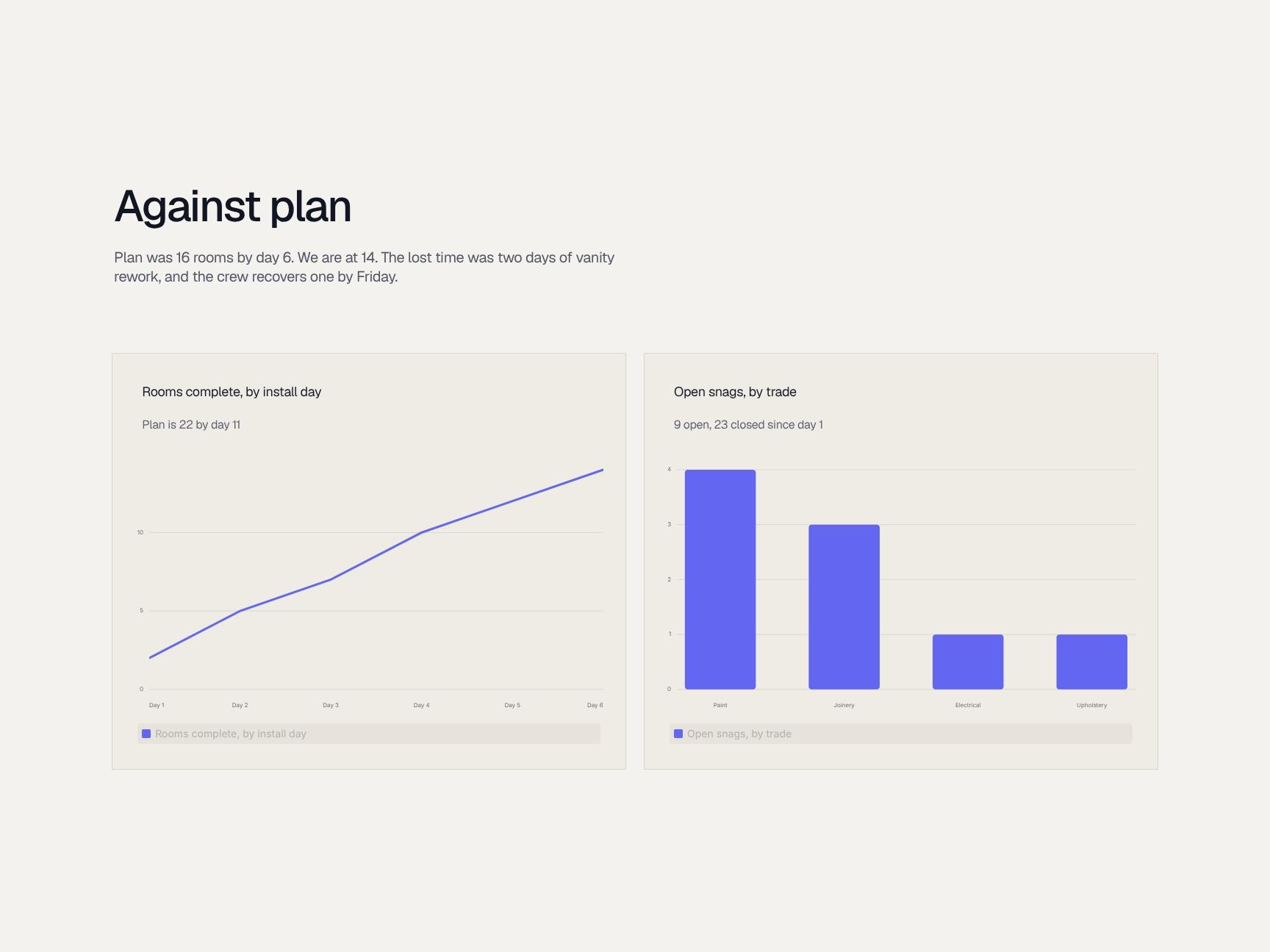
Progress Against Plan Chart: Rooms Completed vs Target
Compares planned progress (16 rooms by day 6) with actual (14), explains the two days lost to vanity rework, and shows the recovery plan. Variance and cause appear in one clear visual.
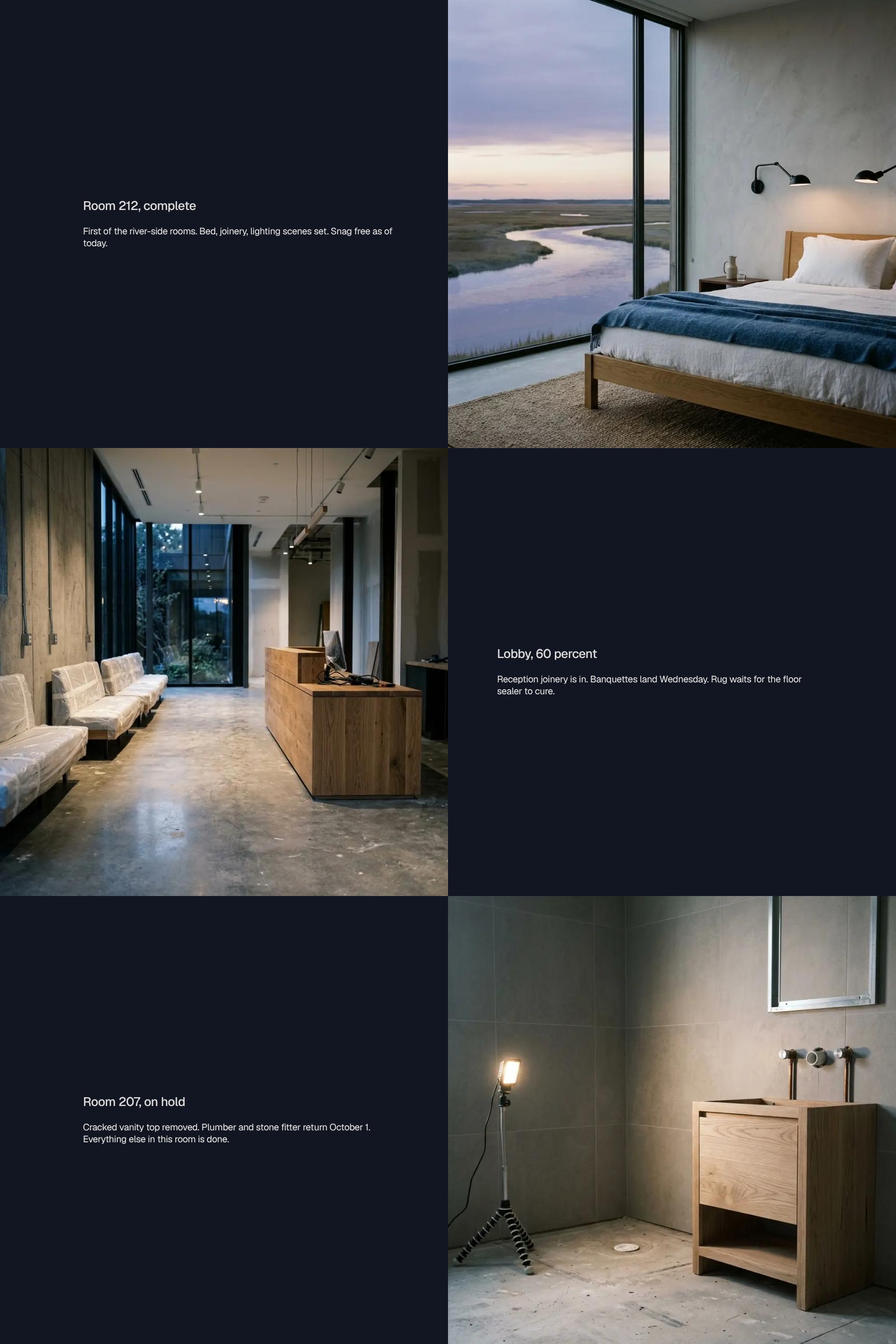
On-Site Progress Showcase: Completed Rooms and Lobby Build
Spotlights finished and in-progress areas, including Room 212 (complete, snag free) and the lobby at 60 percent. Shows what is installed, what lands next, and what is waiting on other trades.
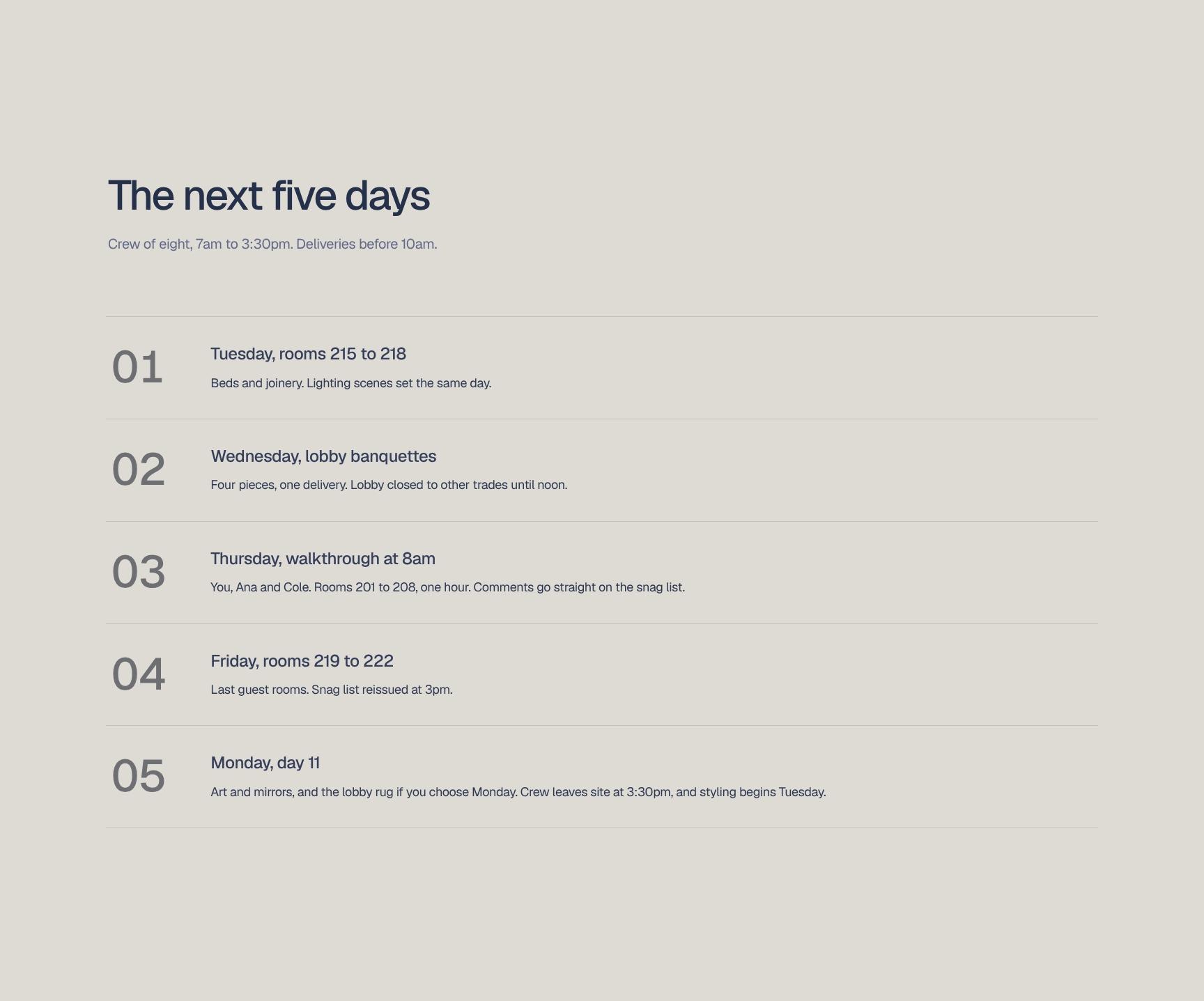
Five-Day Look-Ahead Schedule with Crew and Delivery Windows
A step-by-step plan for the coming week: crew size of eight, 7am to 3:30pm hours, deliveries before 10am, and daily targets such as rooms 215 to 218. Helps hotel staff and vendors coordinate access.
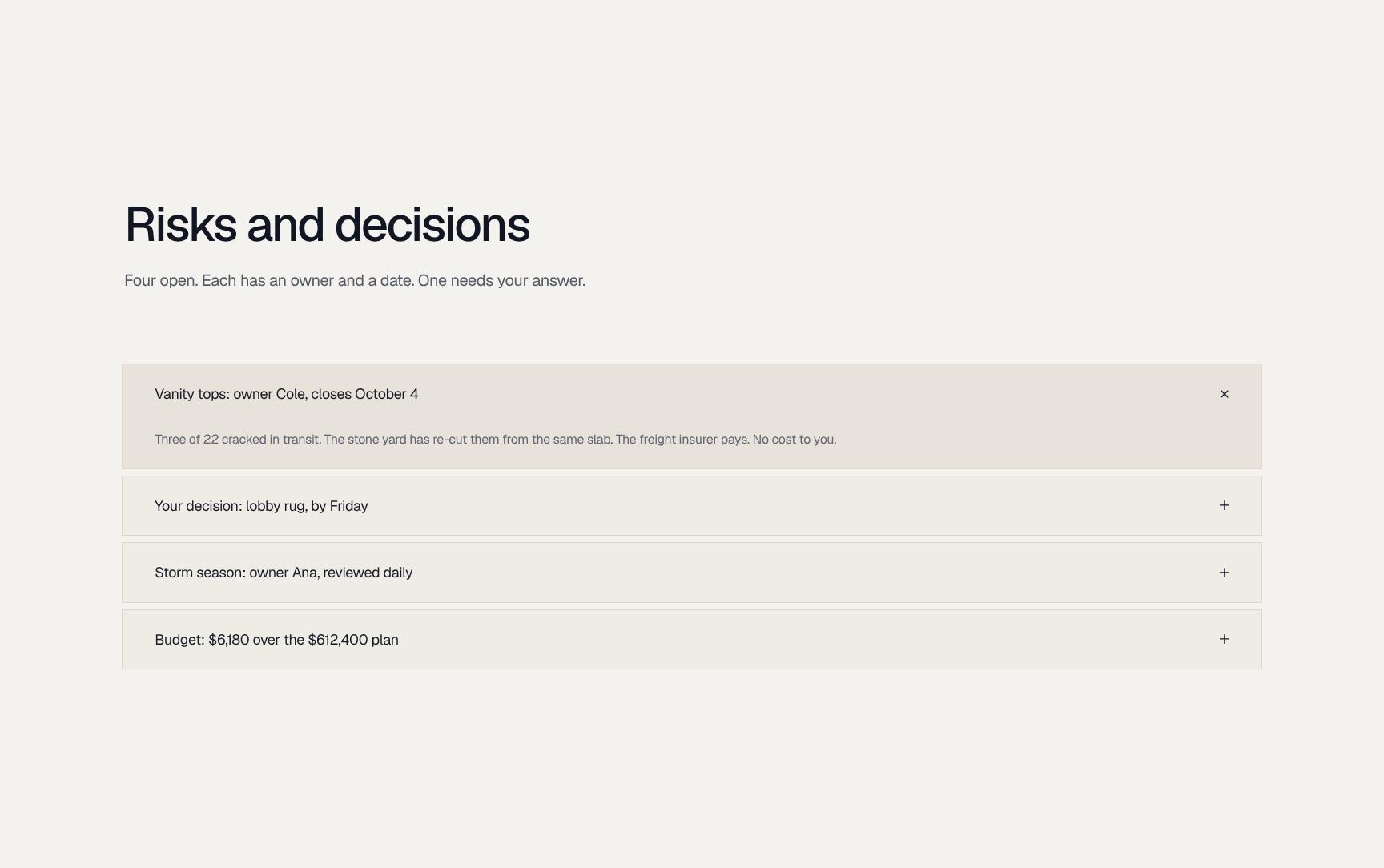
Risk and Decision Log with Owners, Dates, and Open Items
Four open risks, each with a named owner and closing date, including the vanity top damage. Flags the one decision needing client input so nothing stalls and accountability stays clear.
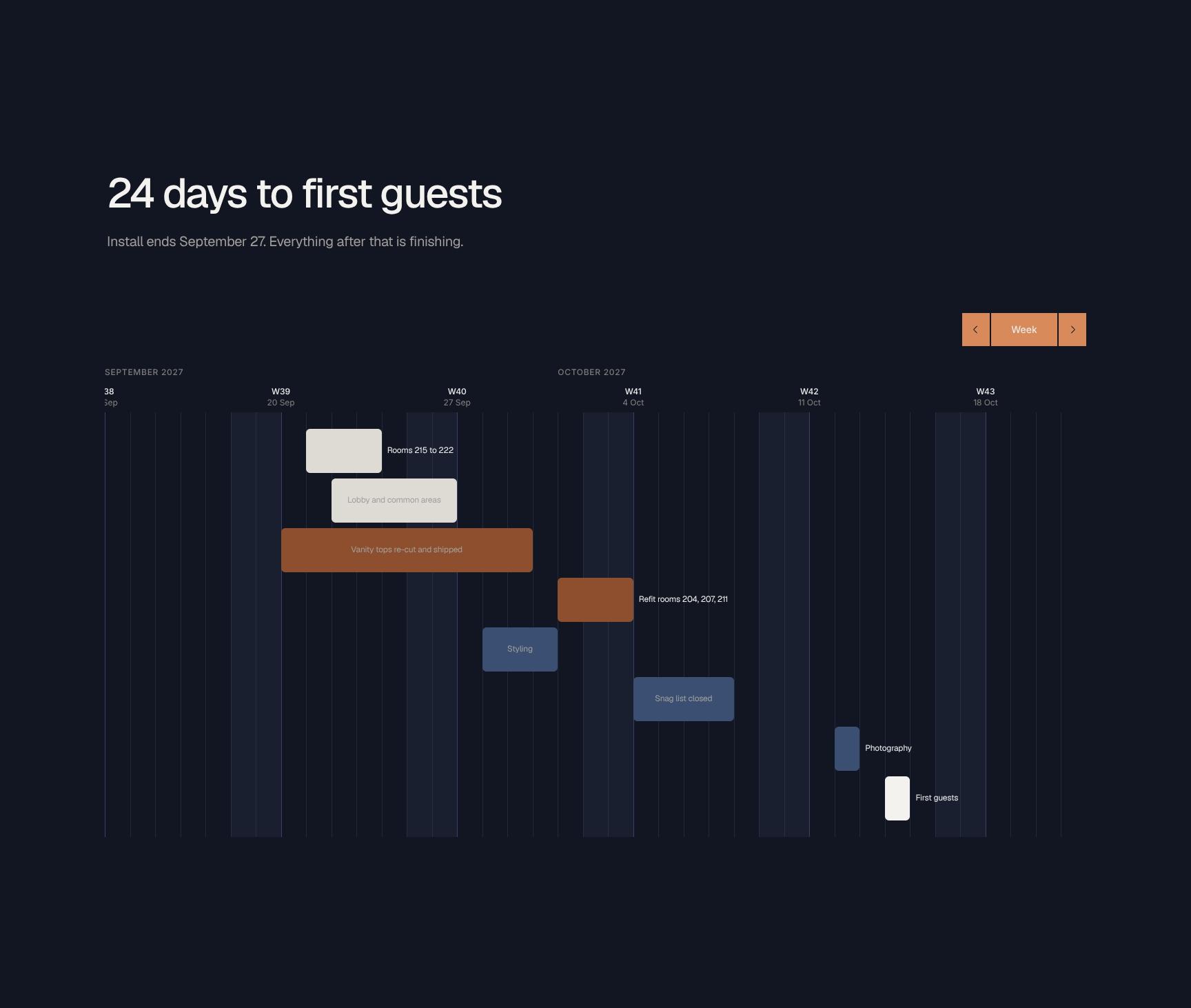
Countdown to Opening Checklist: 24 Days to First Guests
A task list tracking the path to opening: install ends September 27, then finishing. Covers rooms 215 to 222, lobby and common areas, and vanity top re-cuts so teams see what remains.
Find your answers
Answers to common questions about reporting FF&E installation progress to hotel clients and owners.
A strong progress report covers a short Update, the overall Status, One thing to know that needs attention, performance Against plan, what is On site today, and what is planned This week. This structure gives stakeholders a quick view of schedule health, key risks, and upcoming work without wading through long narratives. Keep each section to a few concise bullet points for easy scanning.
Replace the placeholder text in each section (Update, Status, One thing to know, Against plan, On site today, This week) with your project details. You can rename headings, add rows for extra trades or milestones, and adjust the Status indicators to match your reporting style. Save a customized copy as your master template so each new report takes minutes.
Yes, the template can be exported or saved as a PDF for sharing with clients and stakeholders. It can also be downloaded in editable formats such as Word or Excel, depending on the tool you open it in. Export to PDF before sending to preserve formatting and prevent accidental edits.
Yes, it is designed for site-based work like construction, renovation, and facilities projects, thanks to sections such as On site today and Against plan. It also adapts well to engineering, event setup, IT rollouts, and any project that tracks progress against a schedule. Simply reword the section prompts to match your industry's terminology.
Most teams can complete this report in 10 to 15 minutes once they have the week's data. The focused sections keep you from over-writing, and reusing the previous report as a starting point speeds up each update. Fill in Status and Against plan first, then add One thing to know and the This week plan.
Browse more interior design templates
More templates for designers and installers who report project progress to hotel clients and owners.