




Send proposals as good as your work.
Put your portfolio, scope of work, timeline, pricing options and e-signature on one page your client opens anywhere. Proposal software built for creative studios.
Why studios send their proposals with Formlio.
Four things change when your proposal is a page your client opens.
Present
Show your work at full size, film included, with scope and timeline, in your studio's look. No more months of work flattened into an attachment.
Send
Share one proposal link that always shows the latest version. No more new files and emails for every correction.
Follow up
See who opened the proposal and which sections they read. No more sending a PDF into a black box.
Agree
Let them choose pricing options, accept and e-sign on the page. No more chasing a decision over weeks of email.
Proposal templates for creative studios.
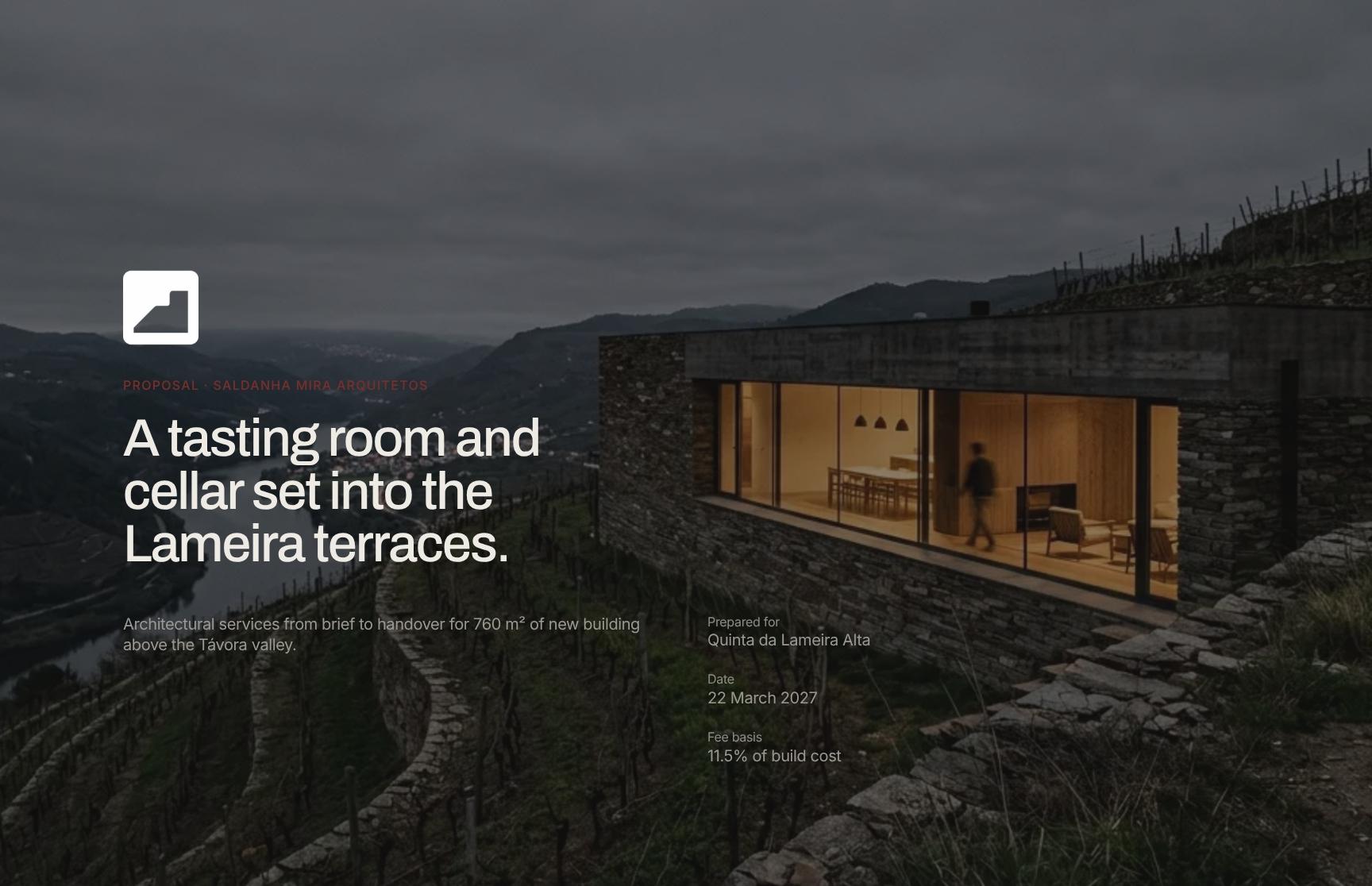
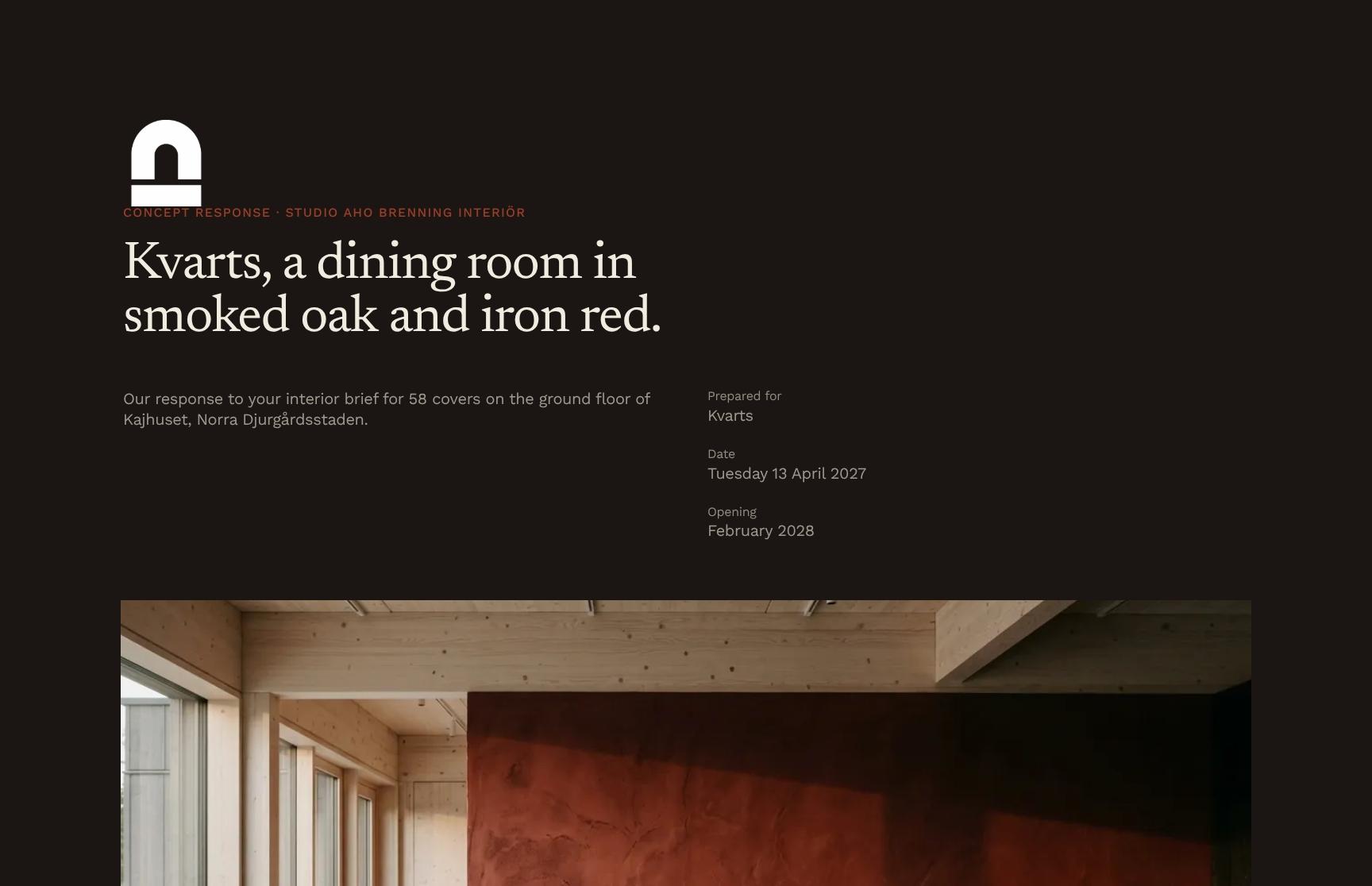
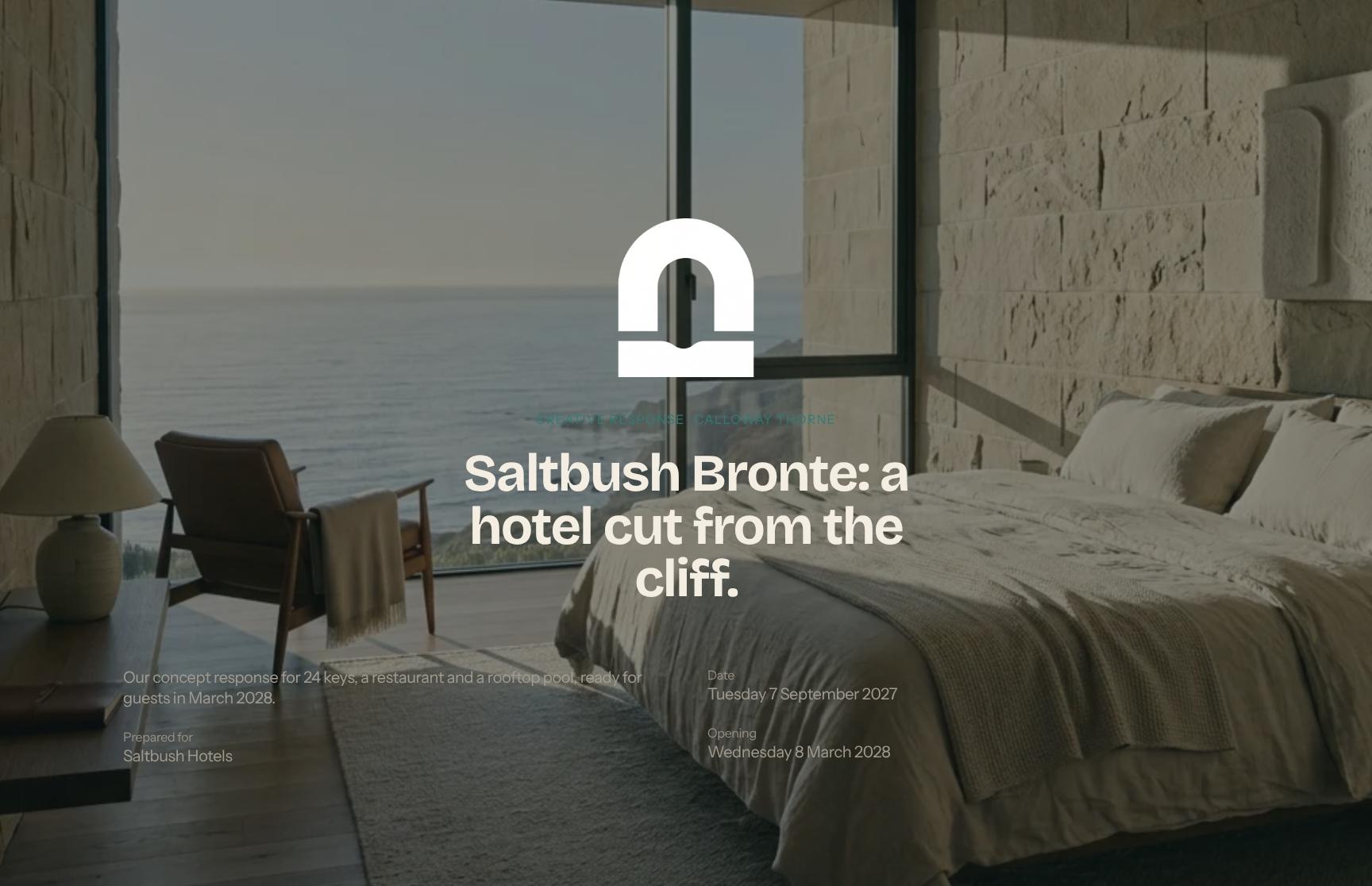
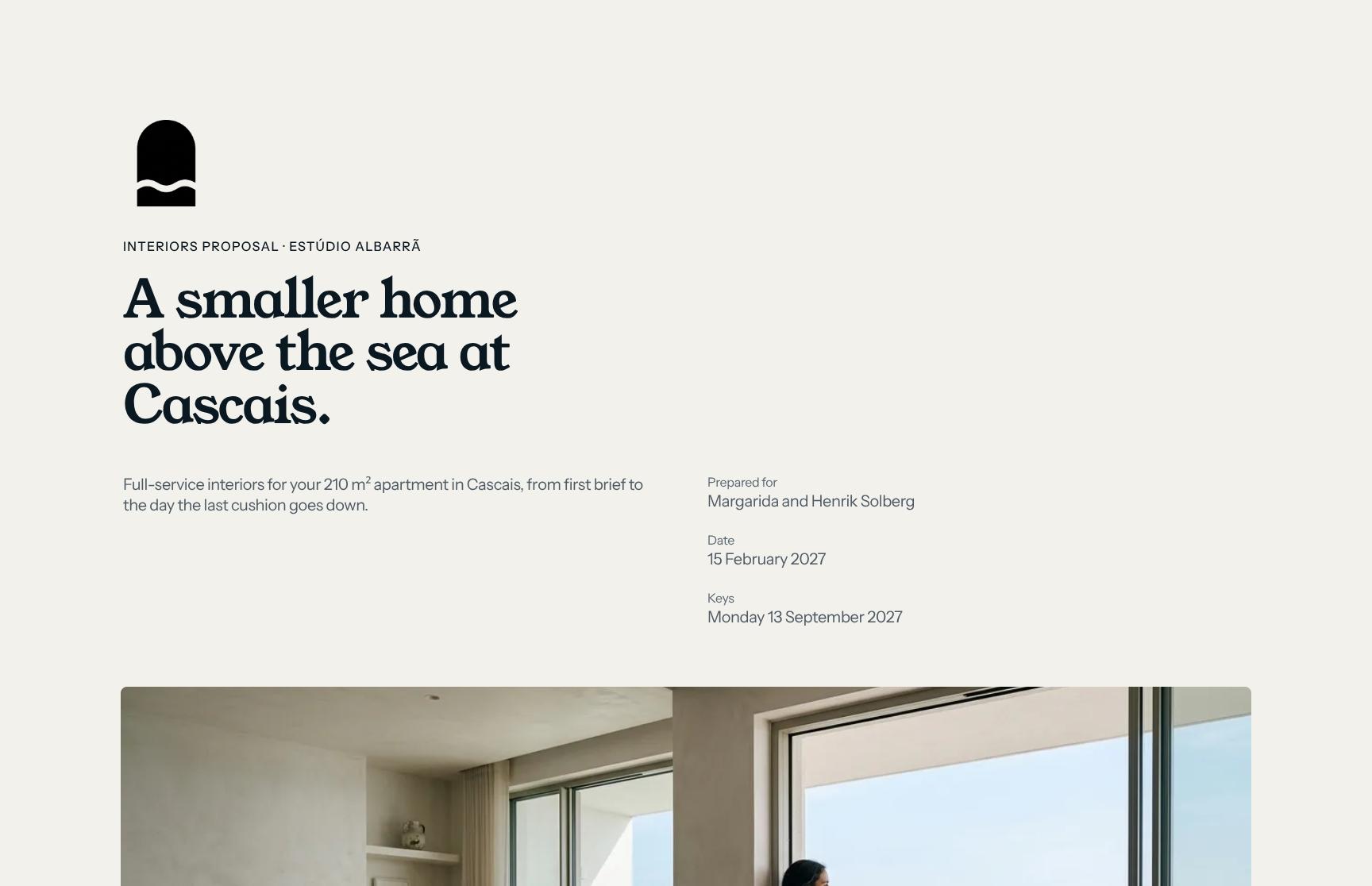
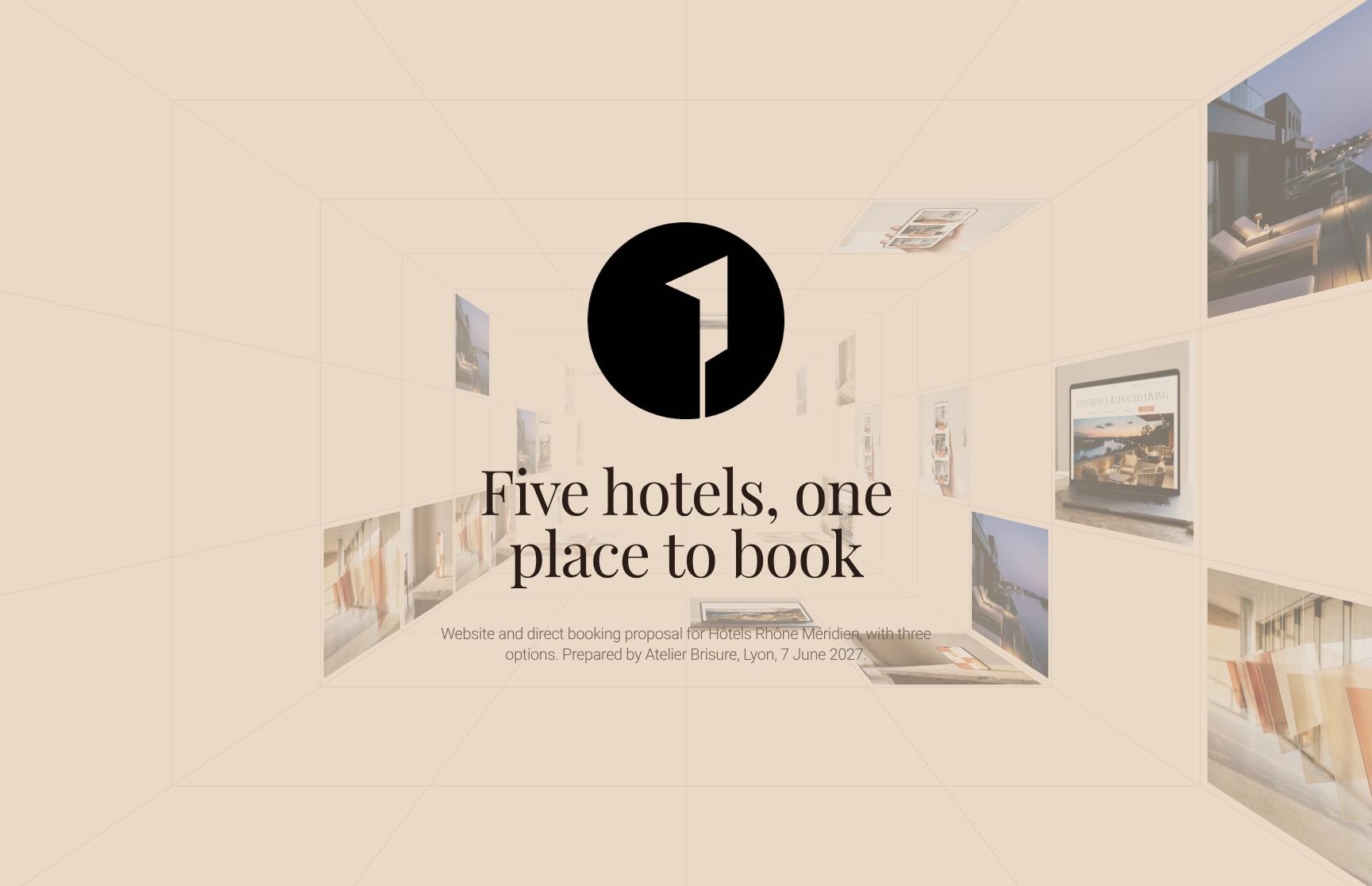
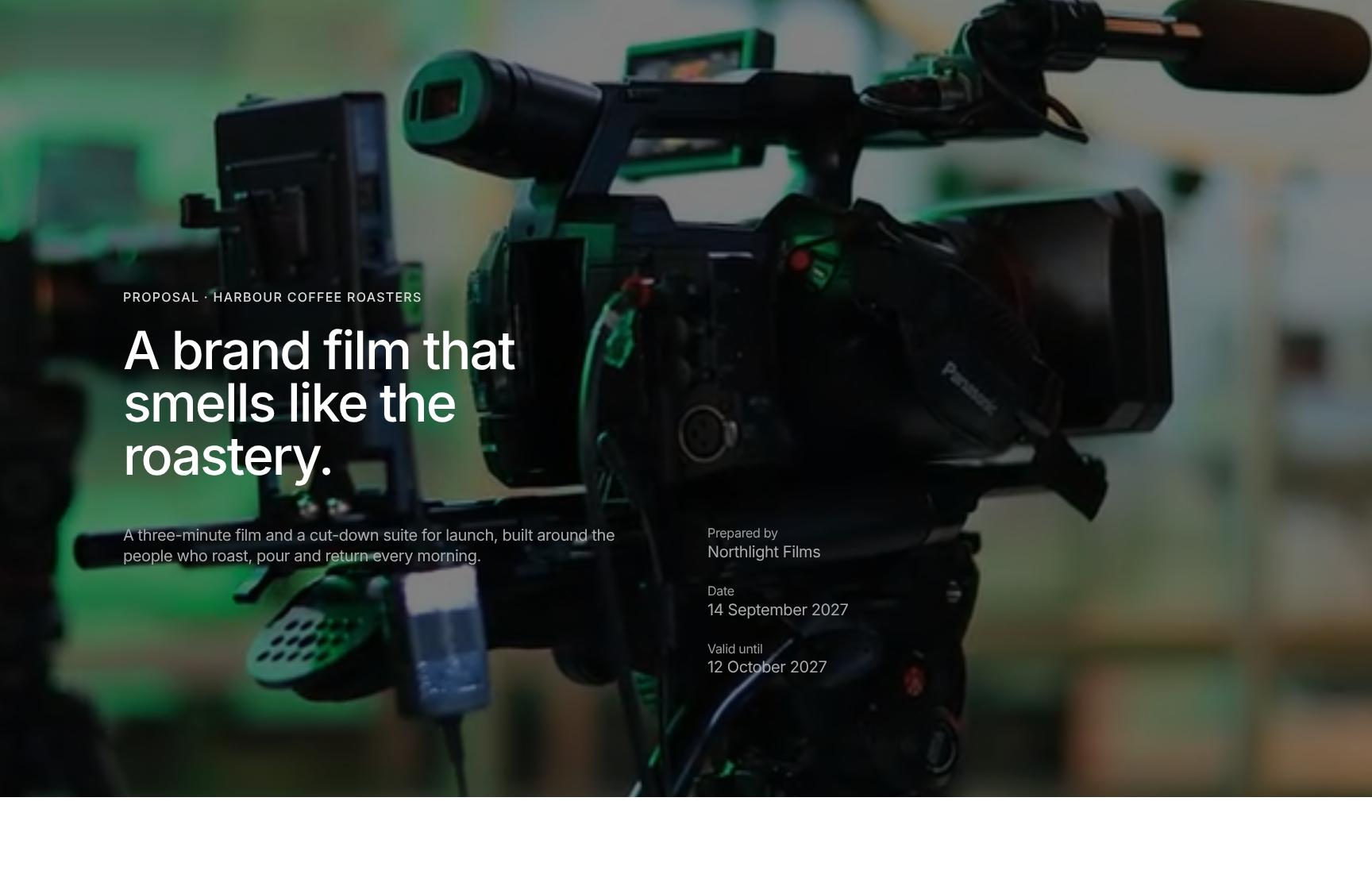
Proposal templates for architecture, interiors, events, web, film and photo, marketing and branding. Add your work, scope and pricing, and send it in your studio's look.
Porto
Go from first draft to your client.
Lay out your portfolio, scope of work, timeline and pricing options in your studio's look. Share it privately with your client, see what they read, and collect an e-signature on the same page.
- Blocks for your portfolio, scope, timeline and pricing
- Logo, fonts and colours set once
- Start from a template or duplicate your last proposal
On a private link, only the people you invite can open the proposal. They sign in with a code sent to their email.
See who viewed it on a private link, the time spent on each section, heatmaps and session replay.
Clients switch optional services on or off and see the total update. They approve with a slide or sign on the page.
Add more to every proposal.
Embed Figma boards, Loom walkthroughs and Google Sheets pricing next to your scope. Publish it all on your studio's own domain.
What changes when the proposal is a page.
Three studios, in their own words.

“Formlio has significantly improved how our agency presents proposals and pitches. We saw an immediate impact, winning contracts on the first two projects where we used the platform, and we've continued to see a strong correlation between using Formlio and converting opportunities into clients.One of its biggest strengths is the insight it provides into client engagement. Knowing when a proposal has been viewed, which sections attracted the most attention, and how recipients interact with the content removes much of the uncertainty from the sales process and allows us to follow up with far greater confidence.”


“The team at Formlio are so passionate about building a product specifically for creatives. They have really listened and turned feedback in features that are especially important to our day-to-day proposals. Having a responsive, web-style proposal just makes sense. It meets people where they are eg. scrolling on their phone, mid commute, making quick decisions. I’ve really loved connecting with Marianne and watching Formlio's journey unfold from the early stages. ”


“I wasn't expecting the analytics to be this good! Heatmaps, session replay, real-time view notifications... It completely changed how we follow up as we know exactly what caught their attention and when they're engaged, which allowed us to win new clients noticeably faster.”

Common questions about proposals.
Packages and extras, retainers, currencies, client accounts, signatures and reuse for your proposals.
Yes. Show two, three, four or more tiers for clients to compare, and add optional items they switch on or off. The total updates as they choose.
Yes. Each item can be one-off, weekly, monthly or yearly, and the proposal shows a total for each frequency.
Yes. Set the currency per document. One proposal holds one currency, so you can't mix two on the same page.
No password is needed. On a private link they sign in with a code sent to their email, the link in their invite or Google. On a public link anyone with the link can read, and they verify their email to approve or sign.
Signatures are compliant with eIDAS in the EU and ESIGN and UETA in the US. Signers verify their email first, and Formlio records their consent, the time and a fingerprint of the document.
Yes. Set how many signatures are required and, if you want, who must sign. The block shows progress and you are notified at each signature.
Not today. Every proposal sits in a deal stage on your Formlio dashboard, and automations can move it when it's viewed or signed.
Yes. Duplicate a past proposal and adapt it, or save your pricing, studio introduction and project pages as reusable blocks.
Use a private link. Only the people you invite can open it, others can request access, and you can see who viewed it.

Start with your next proposal.
Pick a template, add your work and send the link.
Publish two documents a month for free
Publish two documents a month for free
Publish two documents a month for free
Publish two documents a month for free