




Tucson
Film Cut Review Template for Picture Lock and Client Notes
A cut review a production company sends during post: what changed since the last round, how to give notes, what locks on signing and what happens next.
Make it yours, in seconds
Every template is a starting point. Drag to shift colour, typography and layout — the live preview updates as you move.
Move the dots to shift colour, typography and layout. The preview updates live.
Get more from every document
Get your client to sign off on picture lock without a week of back-and-forth emails. Timecoded notes, a change log, and a signature block keep every decision attached to the cut.
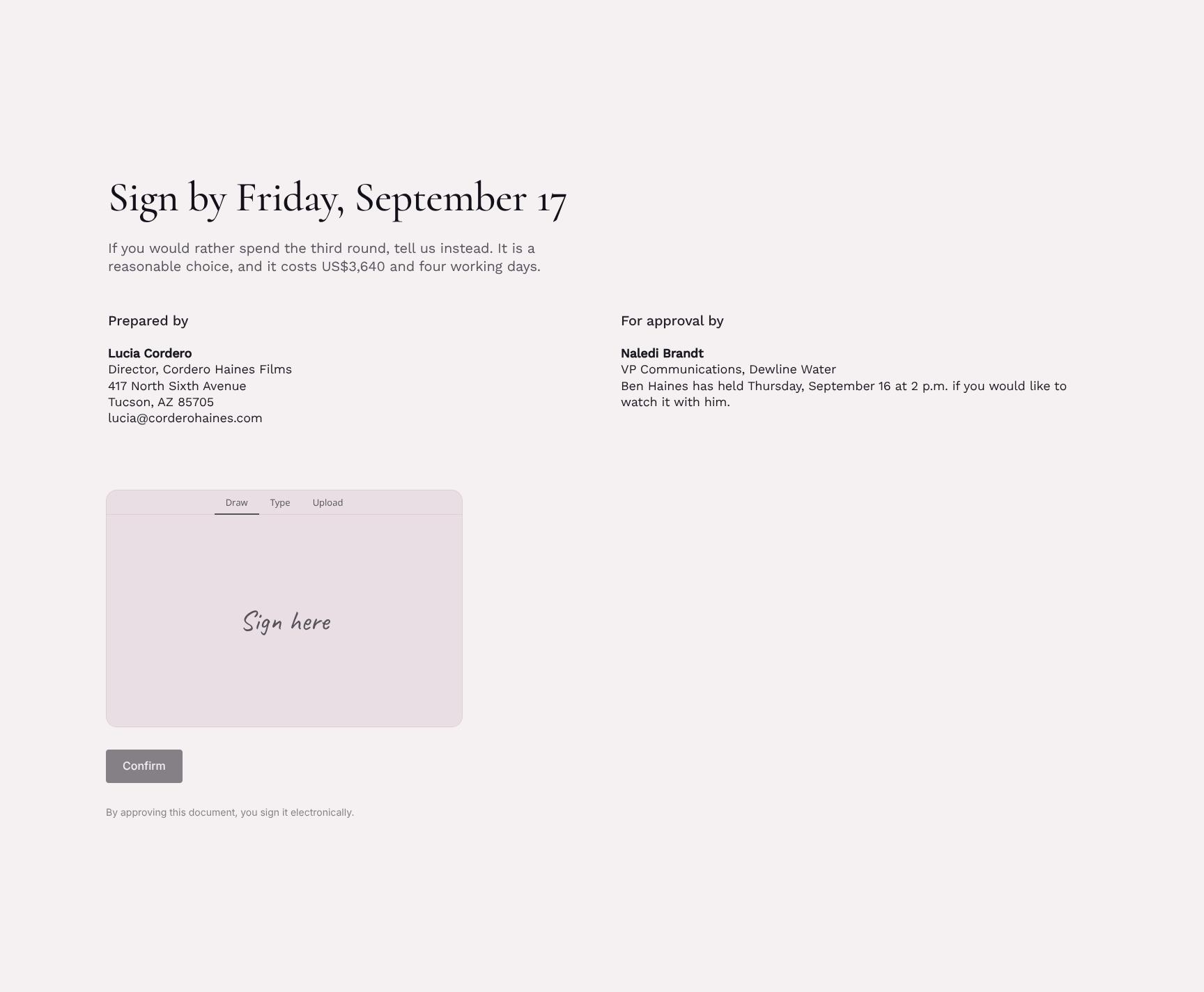
Get the agreement signed on the page
Your client reads the scope, taps approve, and signs in the same document. No printing, no PDF attachments.
Assemble agreements from proven sections
Drop in scope, payment steps, and terms blocks, then save your own clause layouts to reuse on the next client.
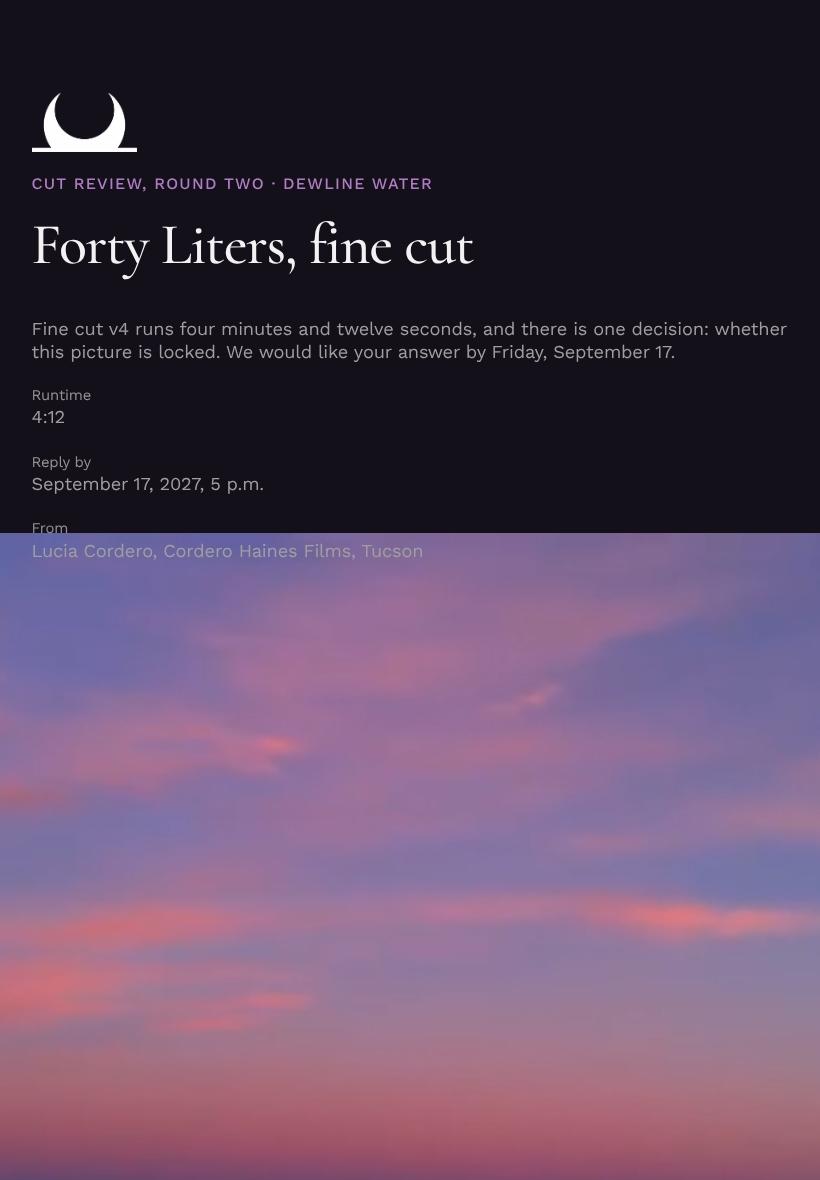
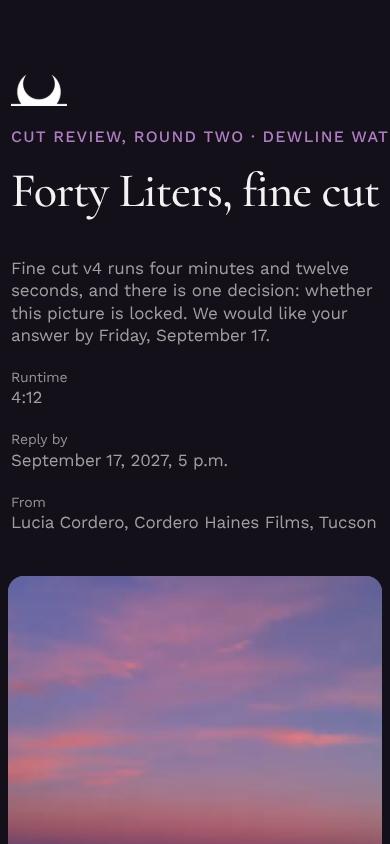
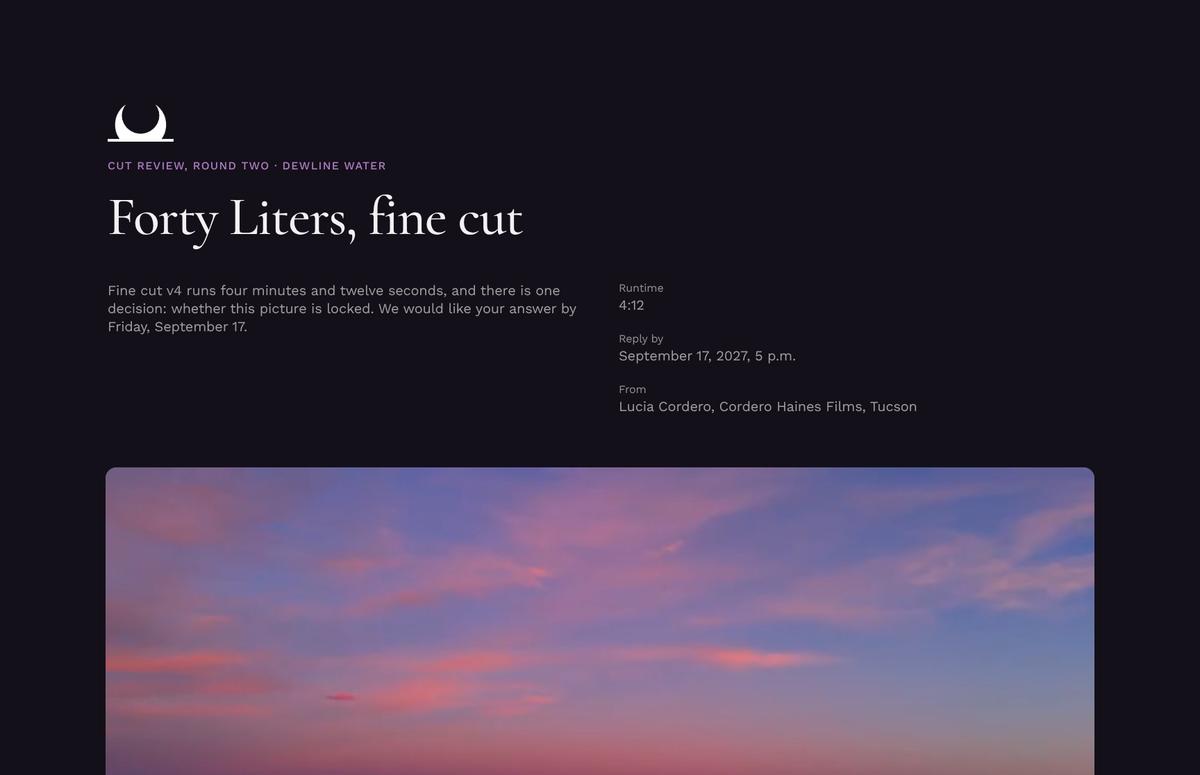
Clients sign from any screen
Your terms and timeline read cleanly on a laptop, an iPad, or a phone in the back of a cab.

See which terms your client lingers on
Heatmaps show if they paused on pricing or skimmed the scope, so you know when to follow up.
Know the second they open it
Get pinged when your client views, comments on a clause, or signs, so you never chase a reply.
Draft the agreement together, live
You tweak the deliverables while your producer fixes the payment schedule, both in the same document.
See how every part fits
The document opens with the approval deadline and closes with a signed lock and an option for a third round. Keep what fits your project, drop what doesn't, and reorder anything.
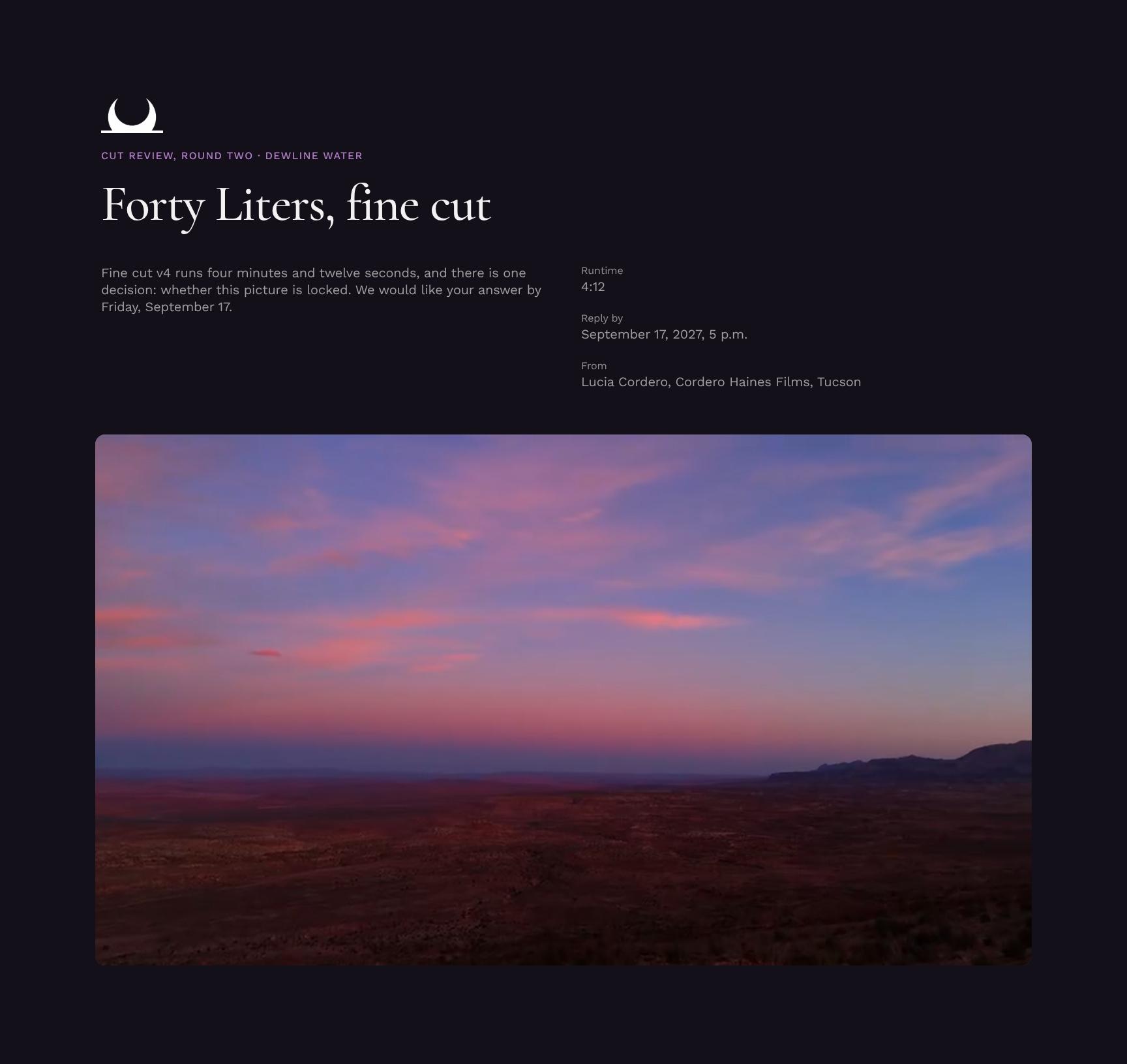
Cut Review Hero with Approval Deadline
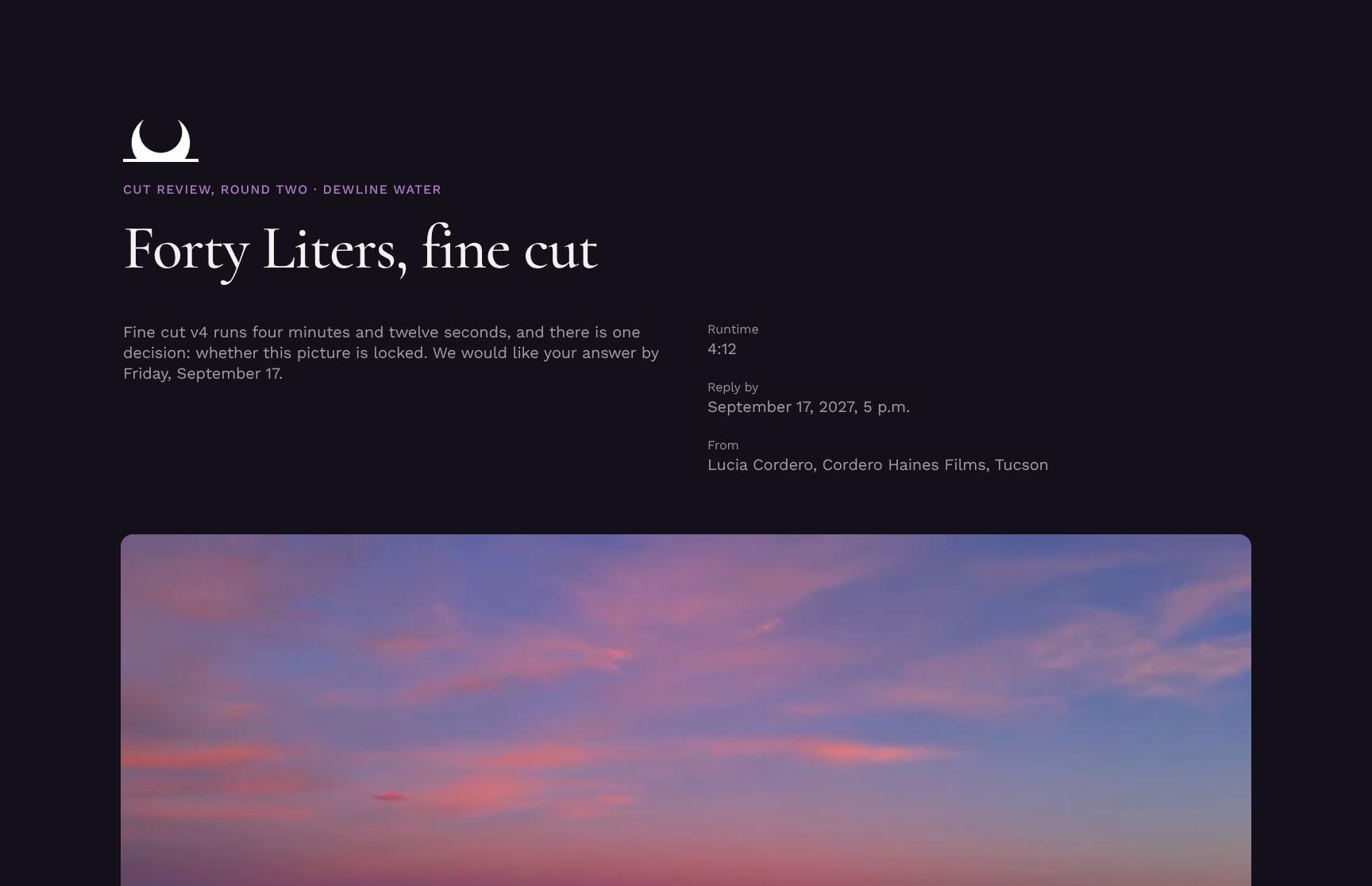
Opens the round-two fine cut review for the Dewline Water film, stating the v4 runtime of 4:12 and the single decision required: picture lock. Sets expectations and urgency from the first screen.
Picture Lock Decision Explained
Spells out exactly what the client approves by signing: a locked order and length for every shot in v4. Explains how lock lets the grade, mix and cut-downs begin, so the stakes are clear.
Editorial Approach Statement
An animated statement of the creative intent behind v4: patience before payoff. It shifts the story from explaining the machine to making viewers wait for the water, framing the cut before viewing.
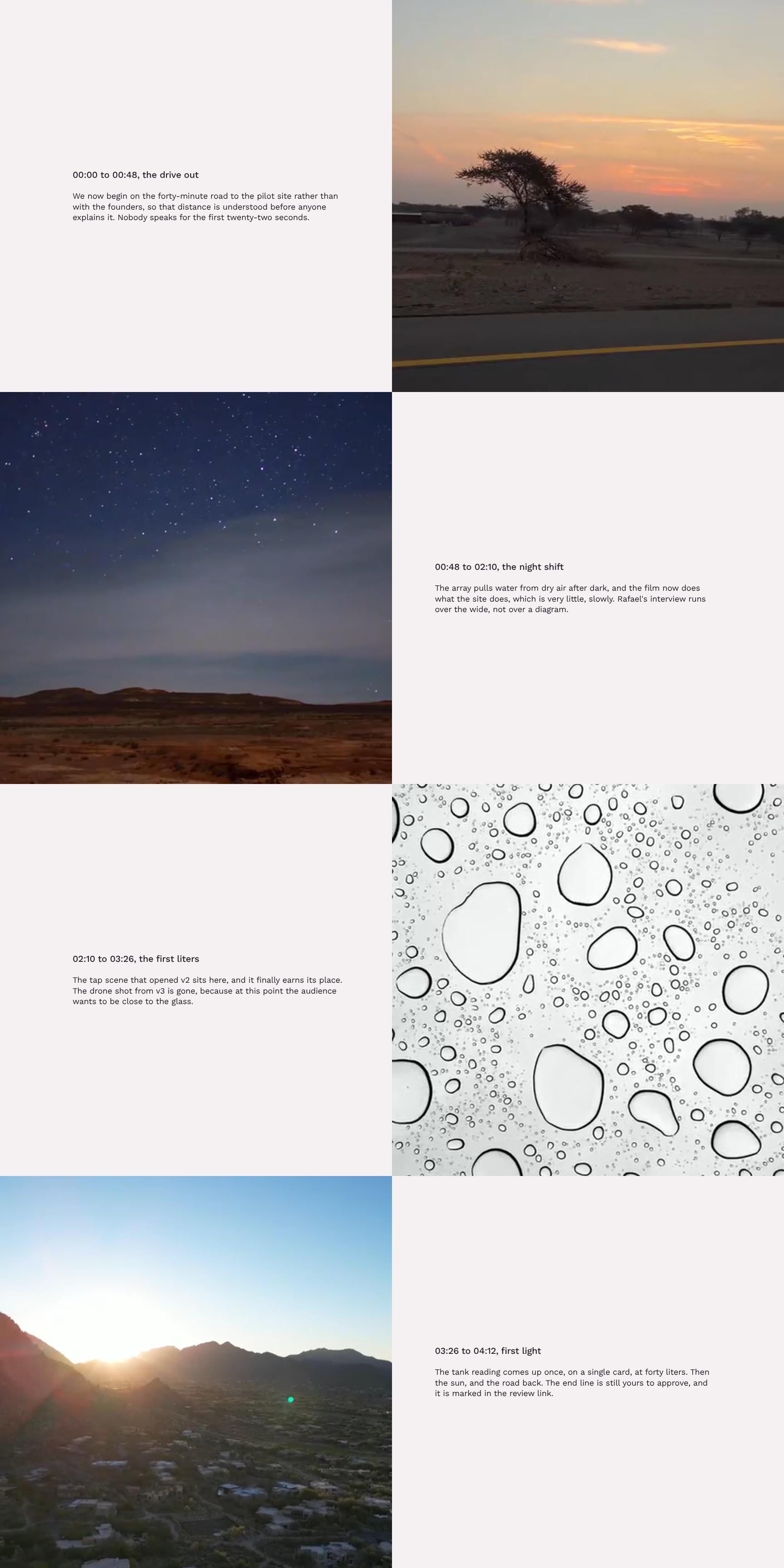
Timecoded Film Walkthrough Showcase
A timecoded, segment-by-segment tour of the film, starting with the drive out at 00:00 to 00:48. Shows the reasoning behind each editorial choice so reviewers know what to look for in each scene.
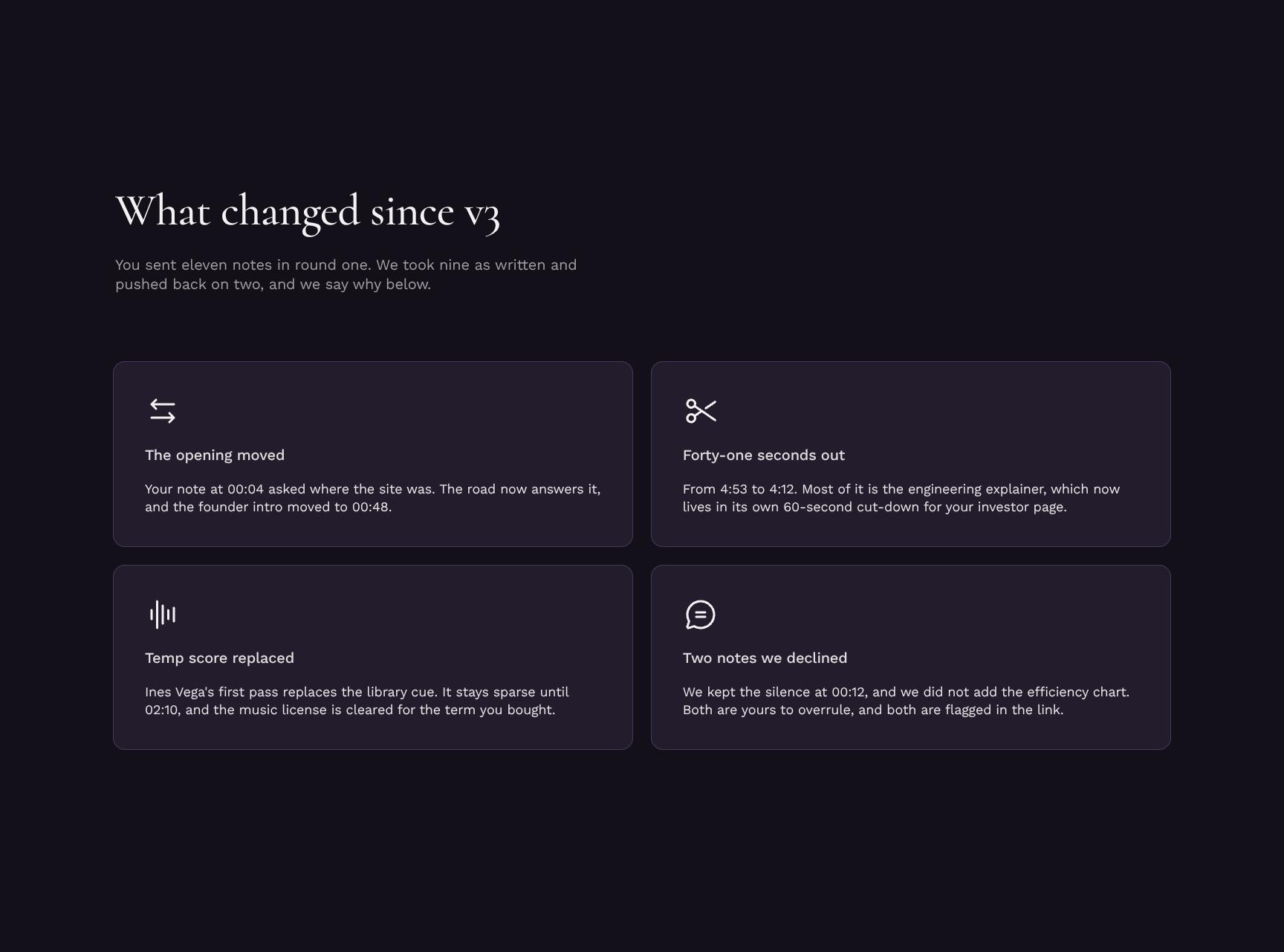
Change Log: Feedback Addressed Since v3
Accounts for the eleven round-one notes: nine implemented as written and two respectfully declined with reasons. Builds trust through transparency and shows every note was heard.
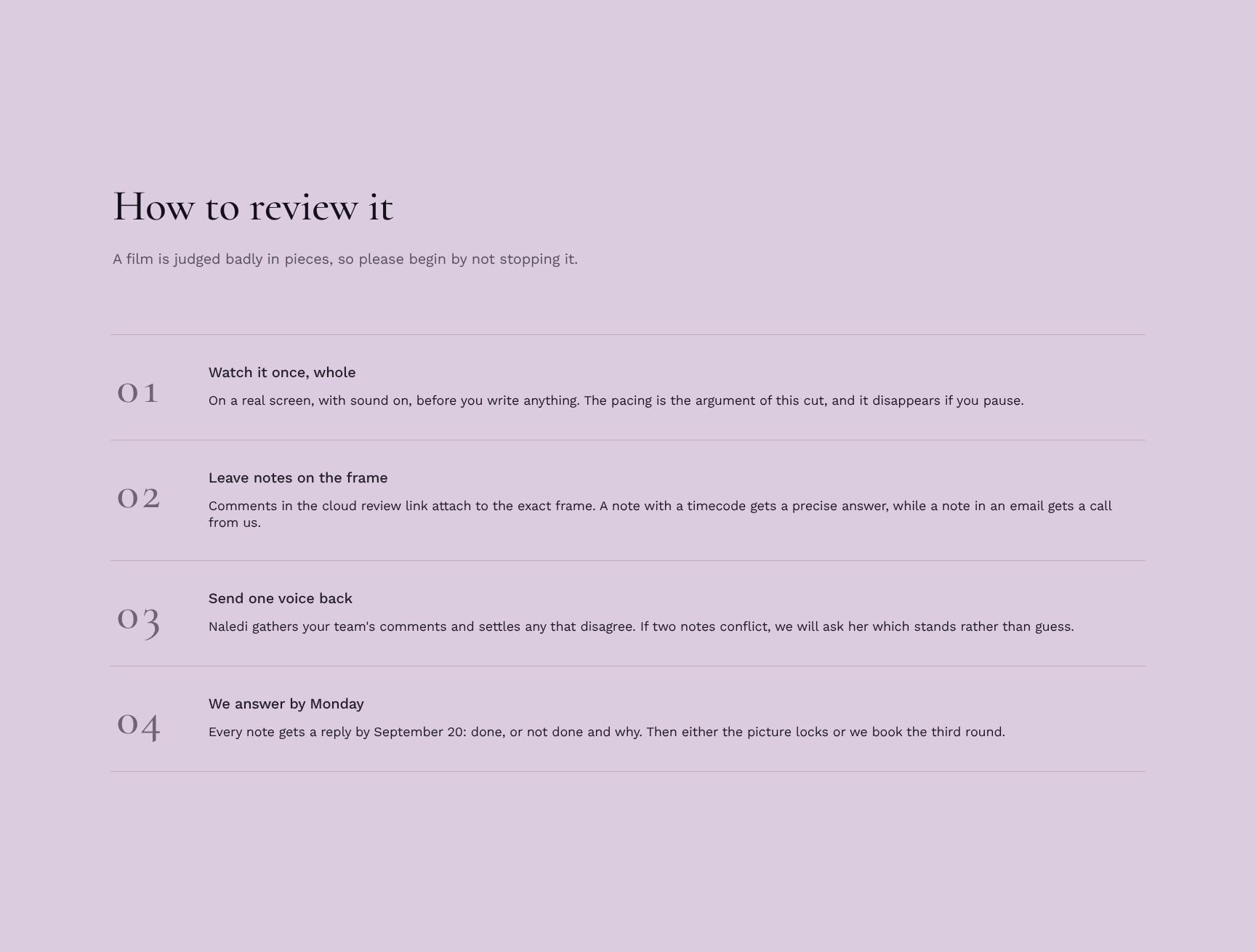
Step-by-Step Review Guide
A simple viewing process that starts with watching the film once, whole, on a real screen with sound on. Helps reviewers give better, consolidated feedback instead of judging in pieces.
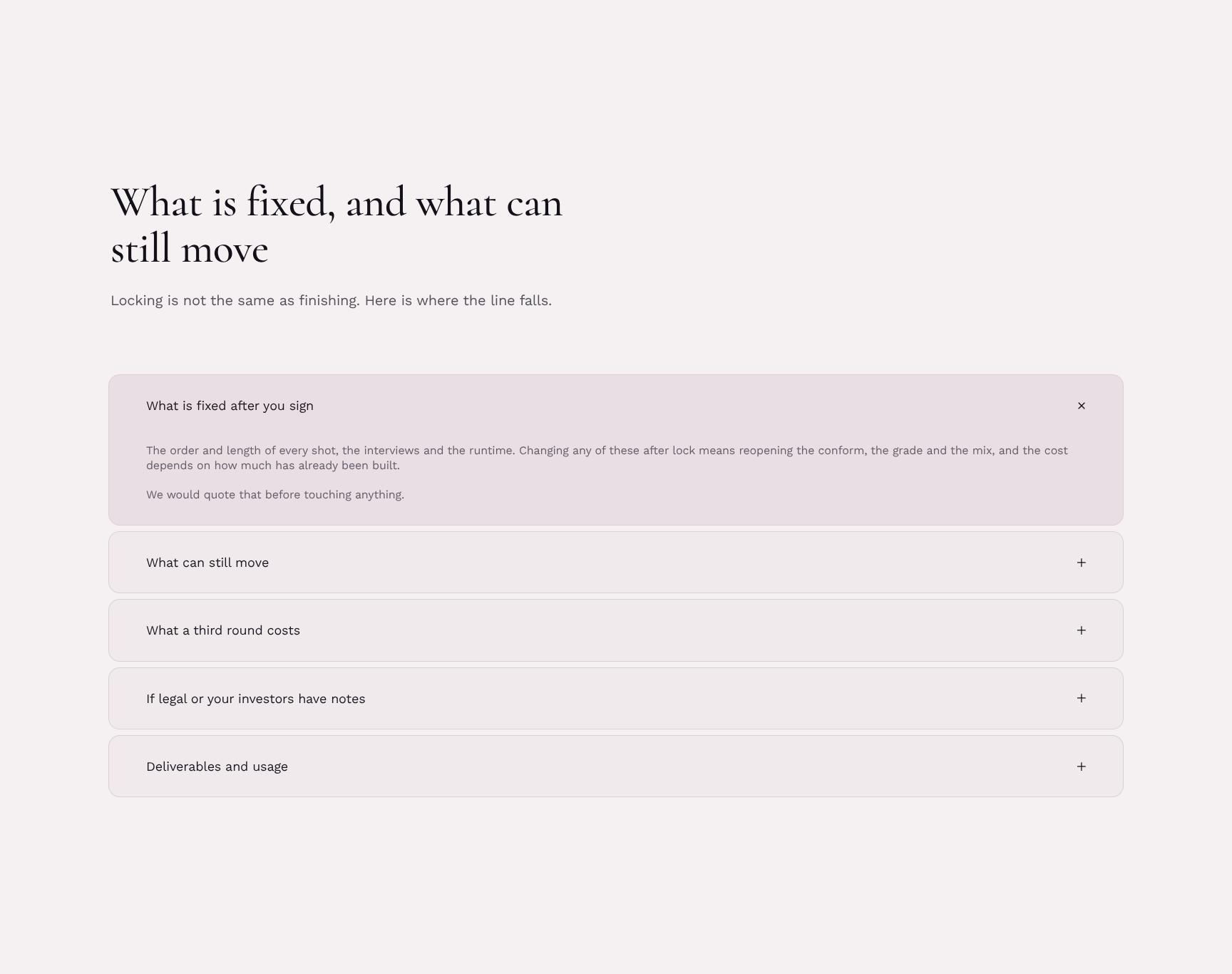
Post-Sign Scope: What's Fixed vs. Flexible
An expandable breakdown of what locks at signing and what can still change. Clarifies that locking is not finishing, preventing misunderstandings and late-stage change requests.
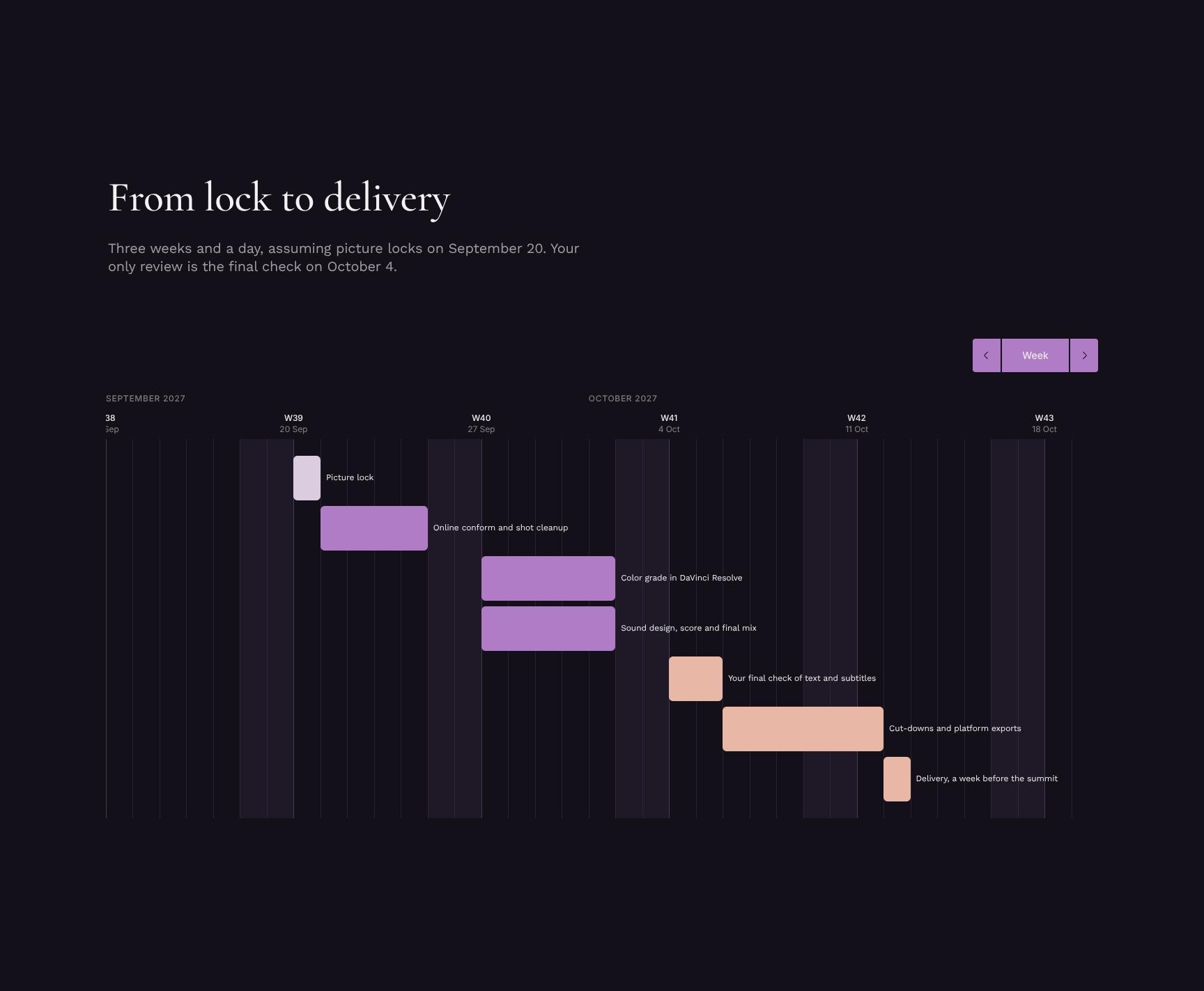
Lock-to-Delivery Timeline and Tasks
Maps the three-week-and-a-day path from a September 20 picture lock to delivery, with one client review: the final check on October 4. Gives clear milestones and a light review burden.
Picture Lock Sign-Off and Third-Round Option
The signature section, with a September 17 deadline. It also offers a third review round as an alternative, priced transparently at US$3,640 and four working days, so the choice is informed.
Find your answers
Answers to common questions from editors and producers getting client approval on a fine cut before picture lock.
A round two review agreement should cover the decision being reviewed, the cut or version under evaluation, the film's current state, what changed since the previous round, and how the review will be conducted. Add clear deadlines, named approvers, and a defined process for resolving conflicting feedback. This keeps every stakeholder aligned and prevents endless revision cycles.
Replace the placeholder text in each section (Round two, The decision, The cut, The film, What changed, How to review) with your project's details. Update party names, project title, version numbers, and review deadlines, then delete any sections that don't apply. Keep the 'What changed' section specific so reviewers know exactly where to focus.
Yes, the template can typically be exported to common formats such as PDF and Word (.docx) so you can share it, edit it offline, or collect signatures. Use PDF for final signed copies and Word or Google Docs when multiple people need to edit the draft. Check your editor's export menu for exact format options.
Yes, it is designed for post-production workflows where a cut goes through multiple rounds of feedback and approval. It works for independent films, commercial shoots, documentaries, and agency video projects. For high-budget productions or legally binding deals, have an entertainment attorney review it before signing.
Follow the 'How to review' section: distribute the current cut with a summary of what changed, set a feedback deadline, and have reviewers submit consolidated notes through one point of contact. Compare the new cut against the previous round to confirm requested changes were made. Finish by recording the final decision and approvals in the agreement.
Browse more video & photography templates
More templates for editors and producers who need clear client agreement at each stage of a film's post-production.