



Send portfolios as good as your work.
Put your case studies, showreels and stills on one page your client opens anywhere. Portfolio software built for creative studios.
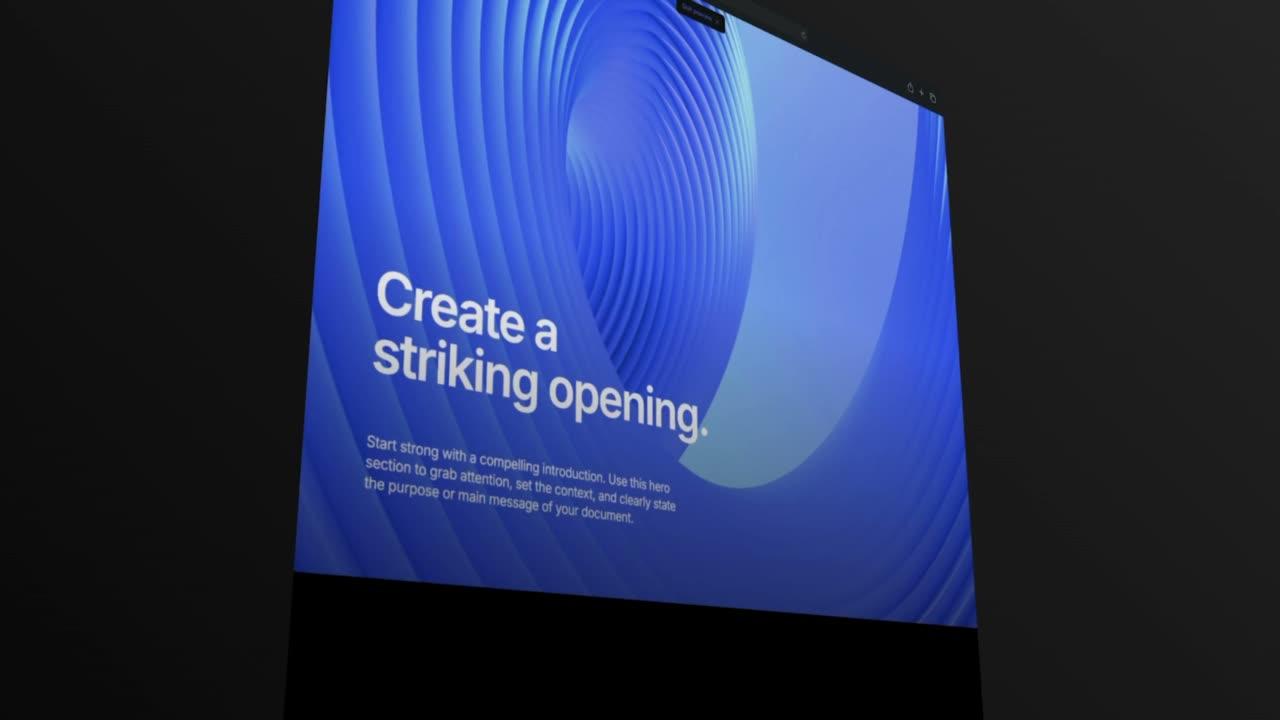
Why studios send their portfolios with Formlio.
Four things change when your portfolio is a page your client opens.
Present
Show your case studies at full size, film included, in your studio's look. No more finished work flattened into an attachment.
Send
Share one portfolio link that always shows the latest version. No more new files and emails for every correction.
Follow up
See who opened the portfolio and which sections they read. No more sending a PDF into a black box.
Agree
Let them ask about a project or book the next conversation on the page. No more chasing a reply over weeks of email.
Portfolio templates for creative studios.
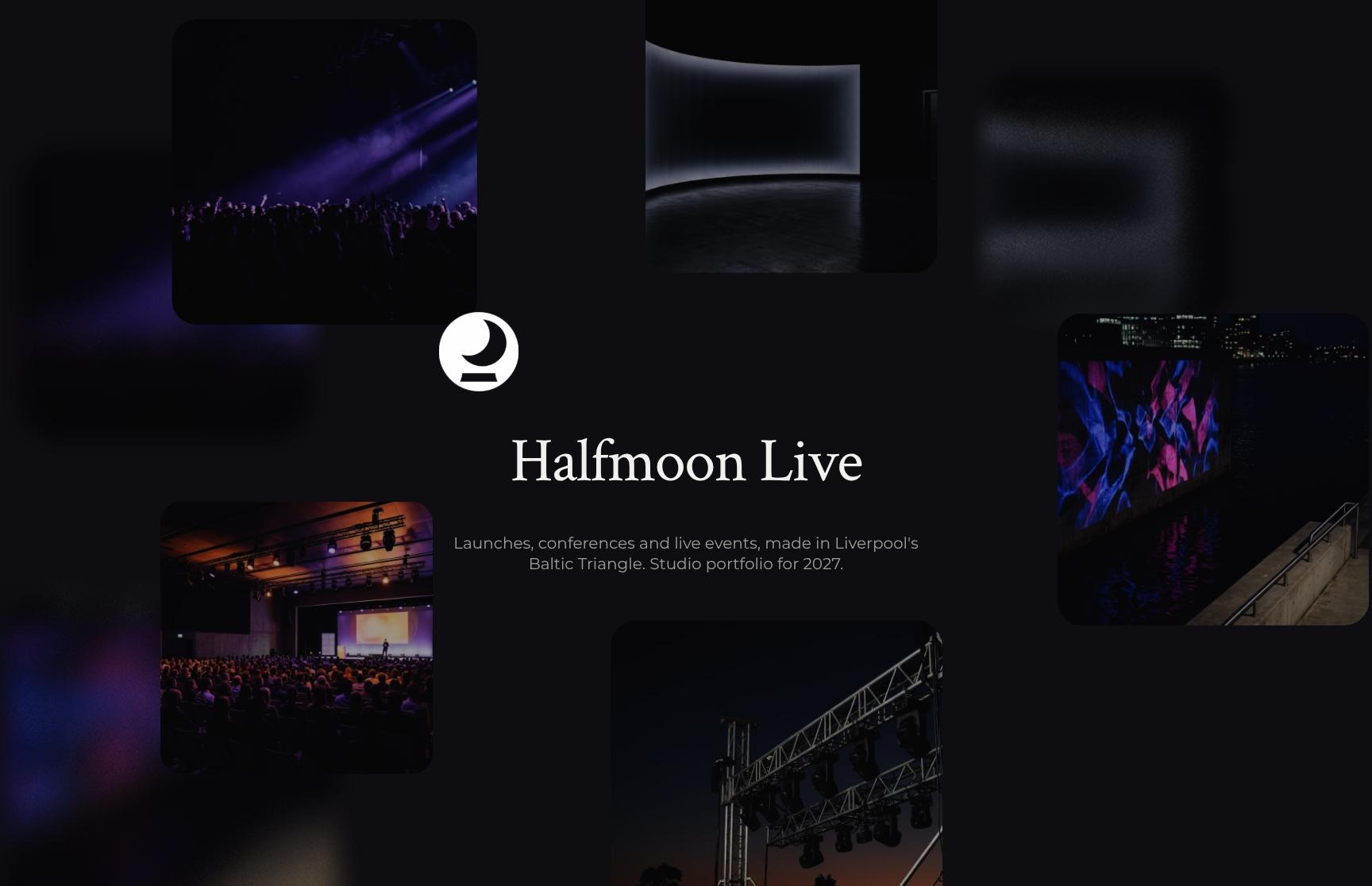
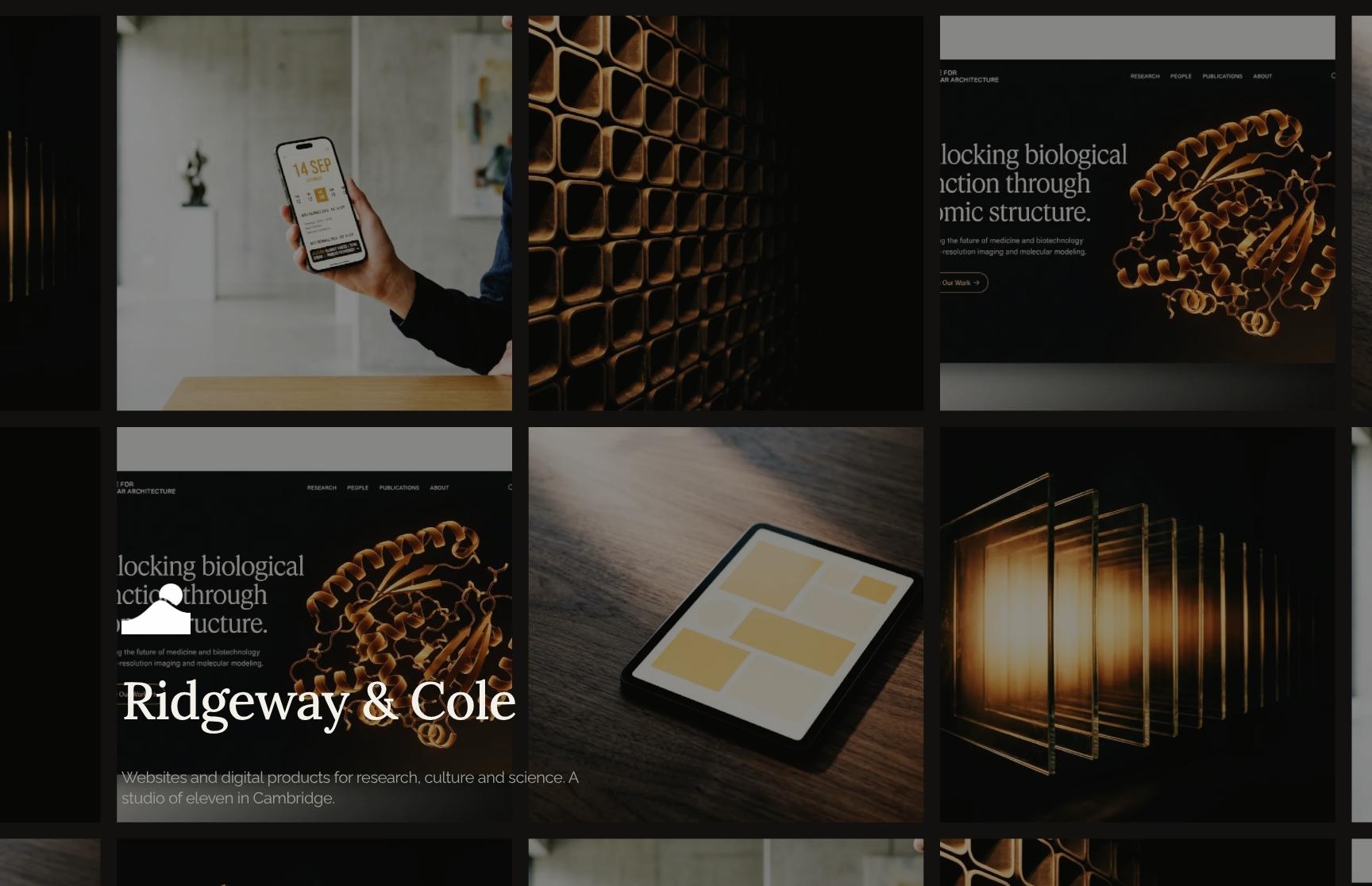
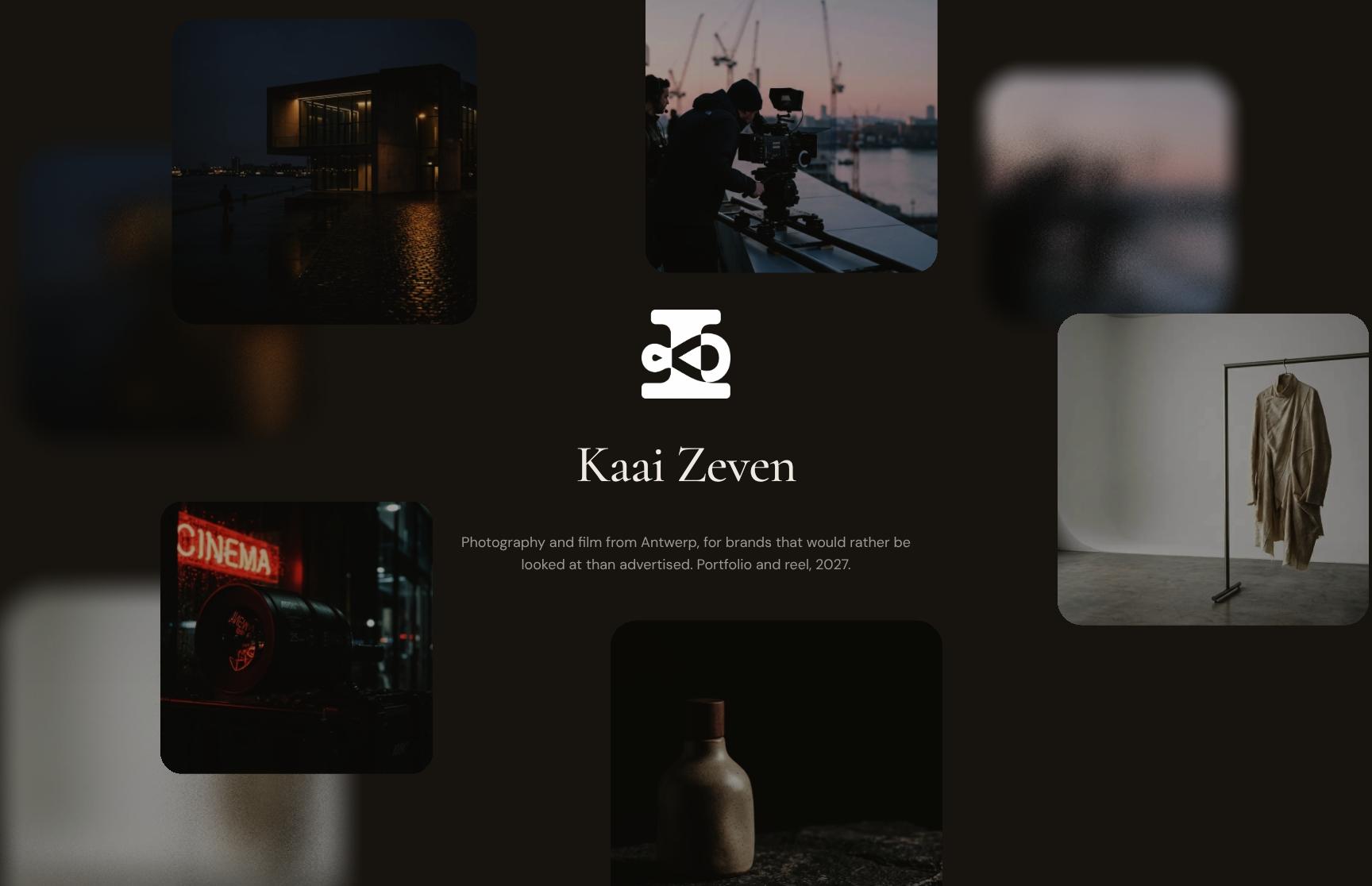
Portfolio templates for architecture, interiors, events, web, film and photo, and branding. Add your case studies and showreels, and send them in your studio's look.
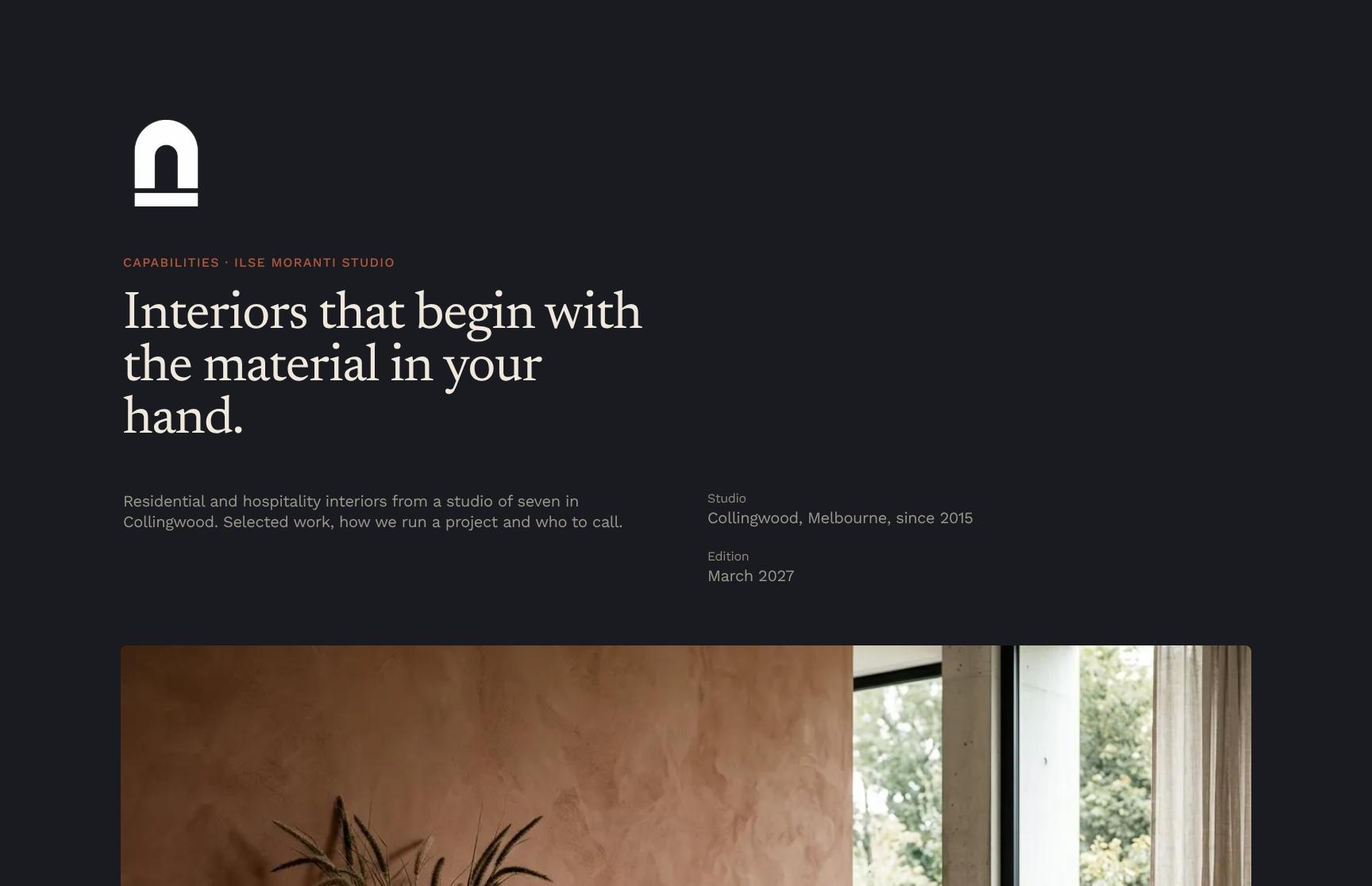
Melbourne
Go from first draft to your client.
Lay out your case studies and showreels in your studio's look. Choose a private, public or open link, see what they read, and let them ask about a project or book the next conversation on the page.
- Blocks for case studies, showreels, stills and client quotes
- Logo, fonts and colours set once
- Start from a template or duplicate your last portfolio
A private link opens only for the people you invite. A public link opens for anyone who has it. An open link is a standard web page that search engines can index.
See who viewed it on a private link, the time spent on each section, heatmaps and session replay. On an open link, the numbers are anonymous.
Embed Calendly on any link so they can book the next conversation. On private and public links, signed-in viewers can ask about a project in the chat.
Add more to every portfolio.
Embed YouTube and Vimeo films, Figma boards and Calendly next to your case studies. Publish it all on your studio's own domain.
What changes when the portfolio is a page.
Three studios, in their own words.

“I’ve used Formlio for design cases and proposals, and it’s a much better fit than the usual old-school tools. Most of them feel like a chore. Formlio doesn’t. It’s flexible, easy to use, and the support is seriously top tier.”


“The level of customisation is a real strength. It allows you to create something that feels aligned with your own visual identity, without compromising on speed or usability. And importantly, it moves proposals away from static documents into something far more dynamic and engaging.”


“Formllio has changed the way we pitch for work. We often get comments from clients that they are impressed with the interactive nature of the pitch. Given a lot of our work is websites, it makes sense to have interactive presentations. The tool itself is easy to get up to speed with. The initial set up takes an hour or so, after that it’s very quick to create a proposal. The team are really responsive if you do have any questions about the set up.”

Common questions about portfolios.
Links, search visibility, chat, film quality, client accounts and reuse for your portfolios.
Use an open link for a portfolio anyone can find: it's a read-only web page. Use a private link when only invited people should see it, or a public link for anyone who has the link.
Only on an open link, which search engines can index. Private and public links are not indexed.
Not in the chat. Chat only works on private and public links, once the viewer signs in, and an open link has no chat or live presence. You can still embed Calendly on an open link so they can book a conversation.
On a private link you see who viewed it by name. On an open link the analytics are anonymous, and on a public link they stay anonymous until a visitor signs in. You get the time spent on each section, heatmaps and session replay.
Upload high-resolution stills to gallery blocks and they stay full size on desktop, tablet and phone. Upload films up to 1 GB and 10 minutes, or embed them from YouTube or Vimeo.
No password is needed. On an open or public link anyone can read without signing in. On a private link they sign in with a code sent to their email, the link in their invite or Google.
Not today. Every portfolio sits in a stage on your Formlio dashboard, and automations can move it when it's viewed.
Yes. Duplicate it and change the projects for the next client, or save your studio introduction and case studies as reusable blocks.
Yes, on the Pro plan, at an address like docs.yourstudio.com. On every plan, documents live at your workspace address on formlio.com.

Start with your next portfolio.
Pick a template, add your work and send the link.
Publish two documents a month for free
Publish two documents a month for free
Publish two documents a month for free
Publish two documents a month for free