



For video and photo studios
Send documents your clients read, understand and approve.
Treatments, shoot estimates and statements of work as pages clients open anywhere, from first meeting to final delivery.
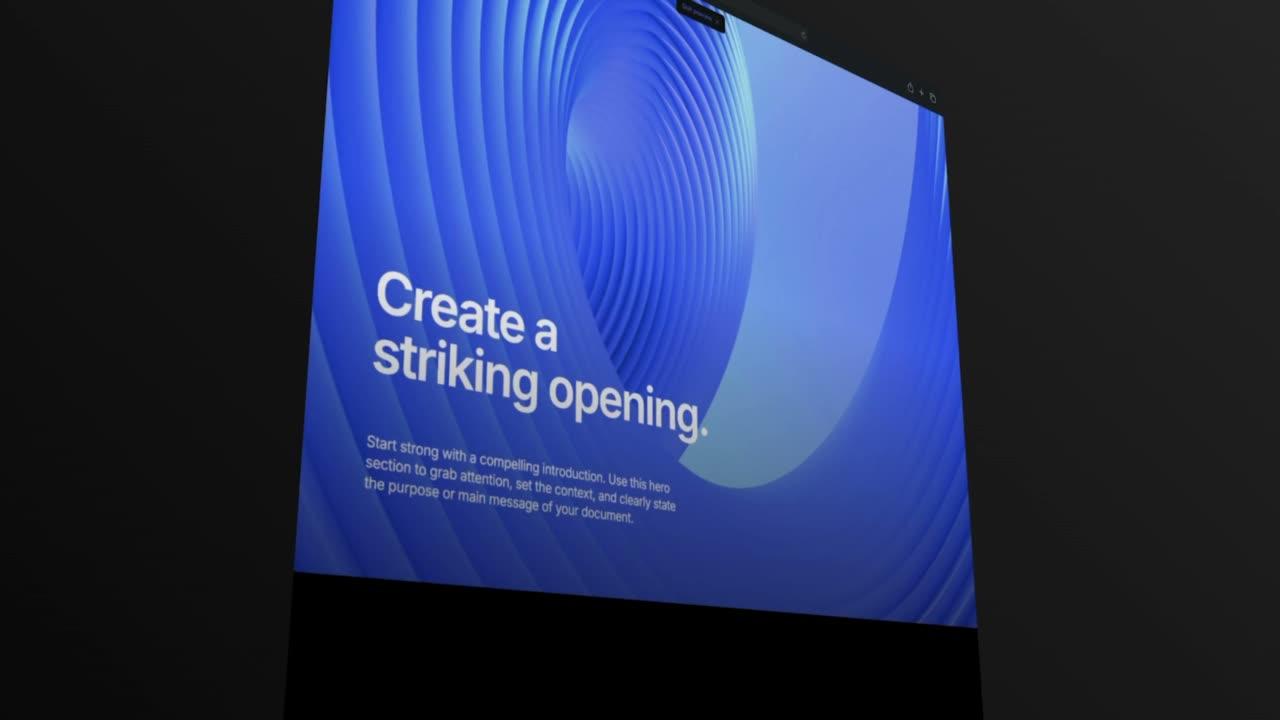
Why video and photo studios choose Formlio.
Four things change when your documents are pages your client opens.
Present
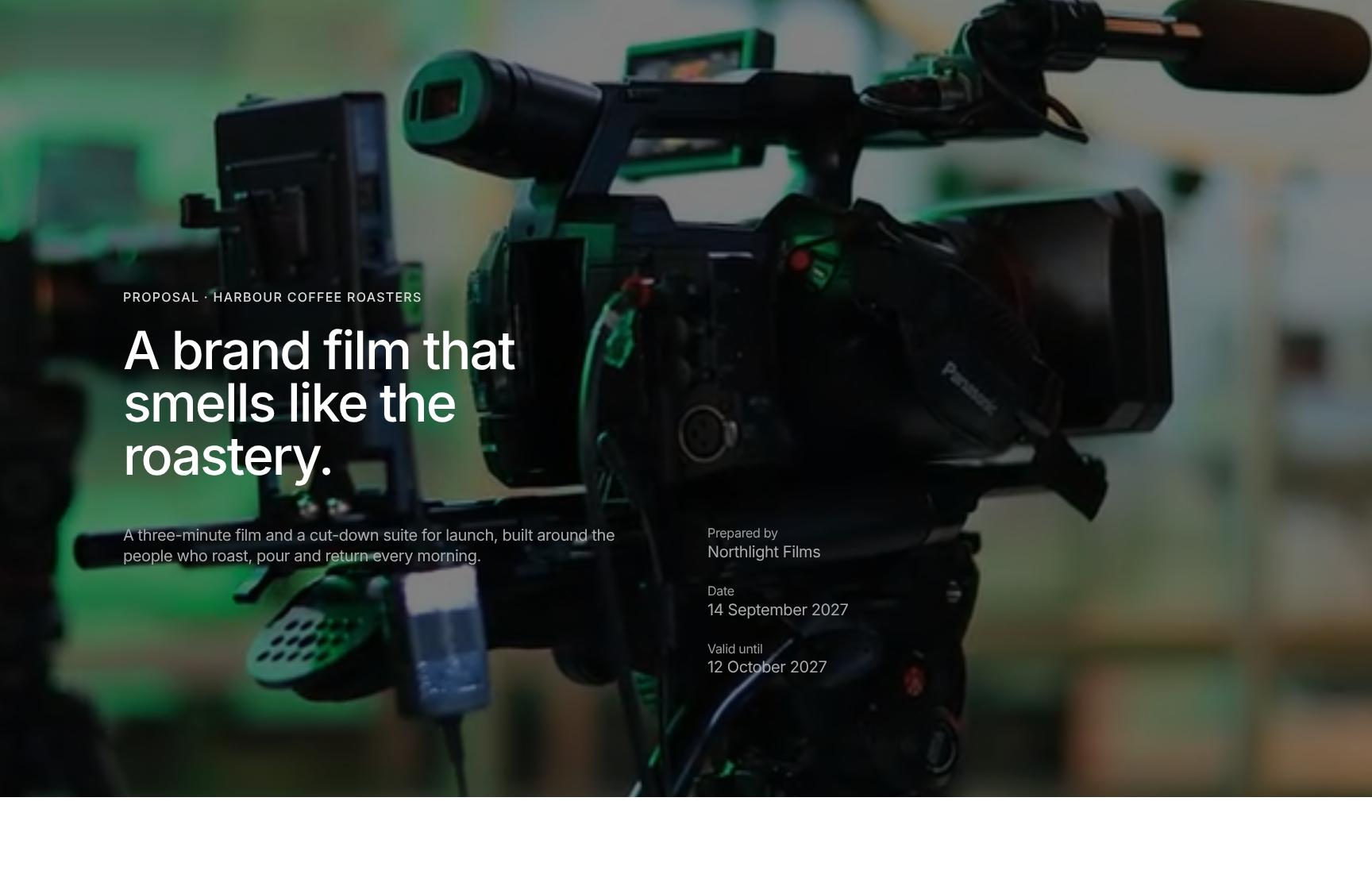
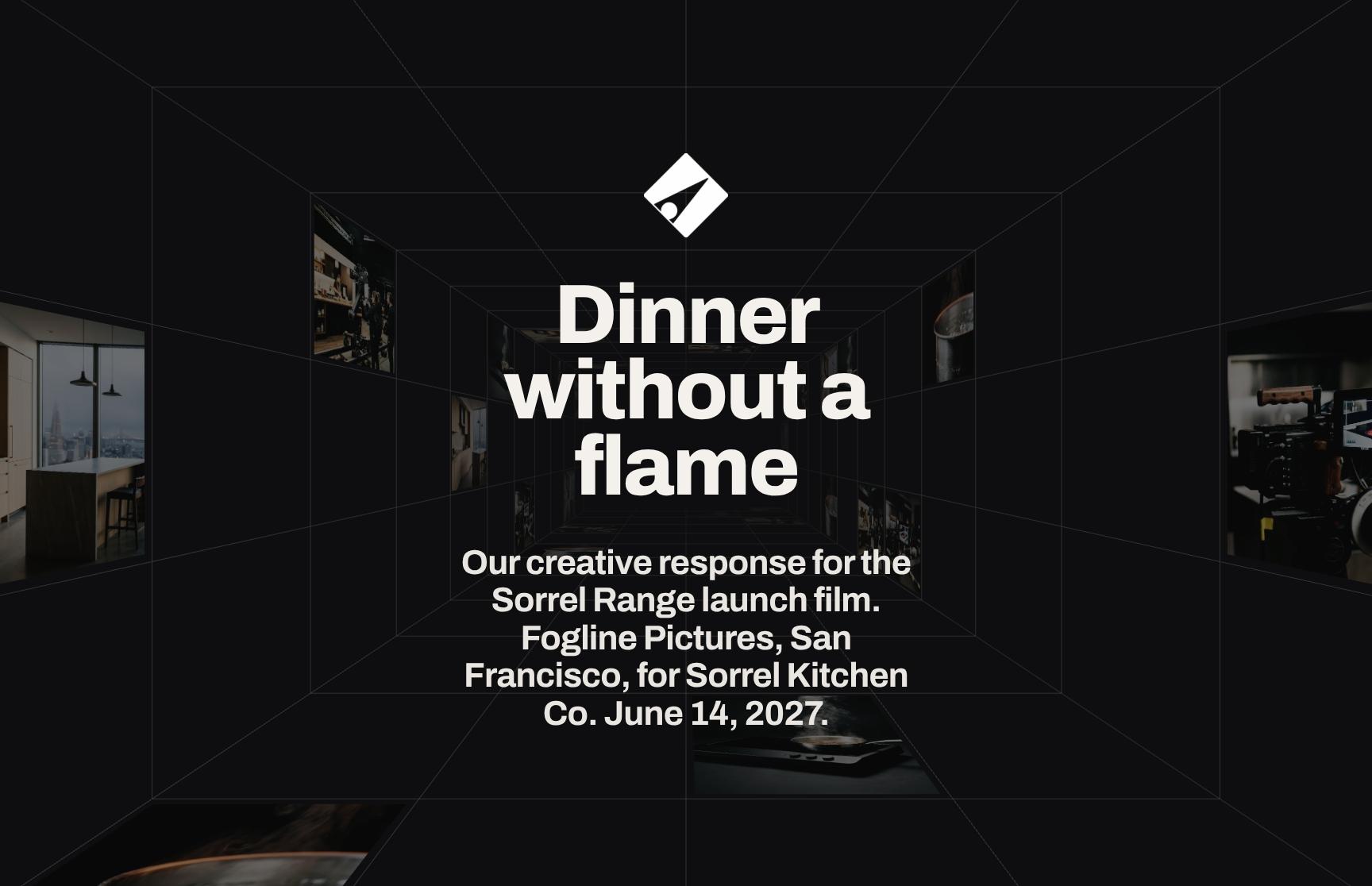
Show your work at full size, film included, with scope and timeline, in your studio's look. No more weeks of development flattened into an attachment.
Send
Share one link for your showreel, treatment and budget that always shows the latest version. No more new files and emails for every correction.
Follow up
See who opened the treatment and which sections they read. No more sending a PDF into a black box.
Agree
Let them answer your questions, choose a package, approve a budget or sign on the page. No more chasing a decision over weeks of email.
Video and photography proposal templates by stage.
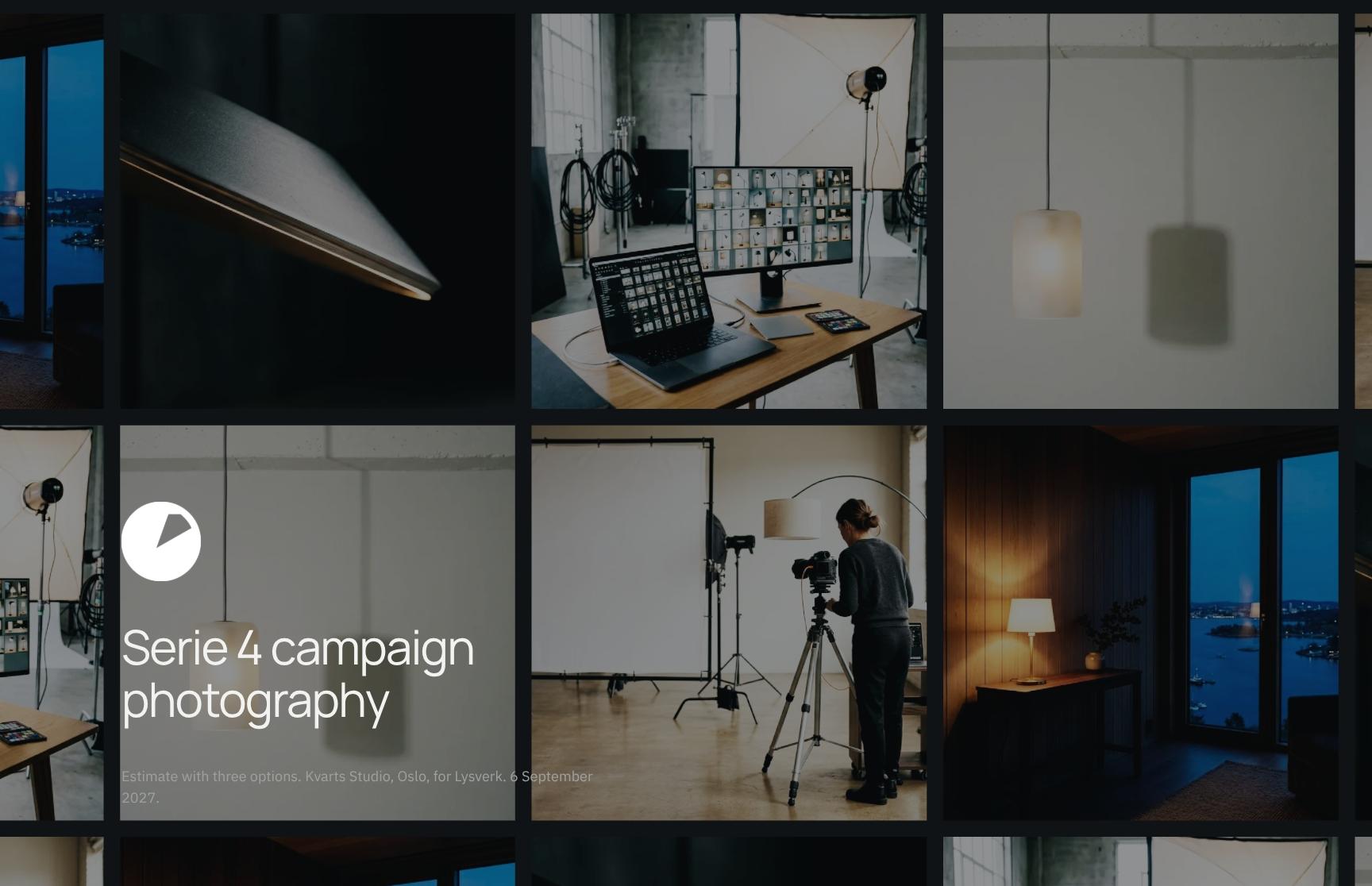
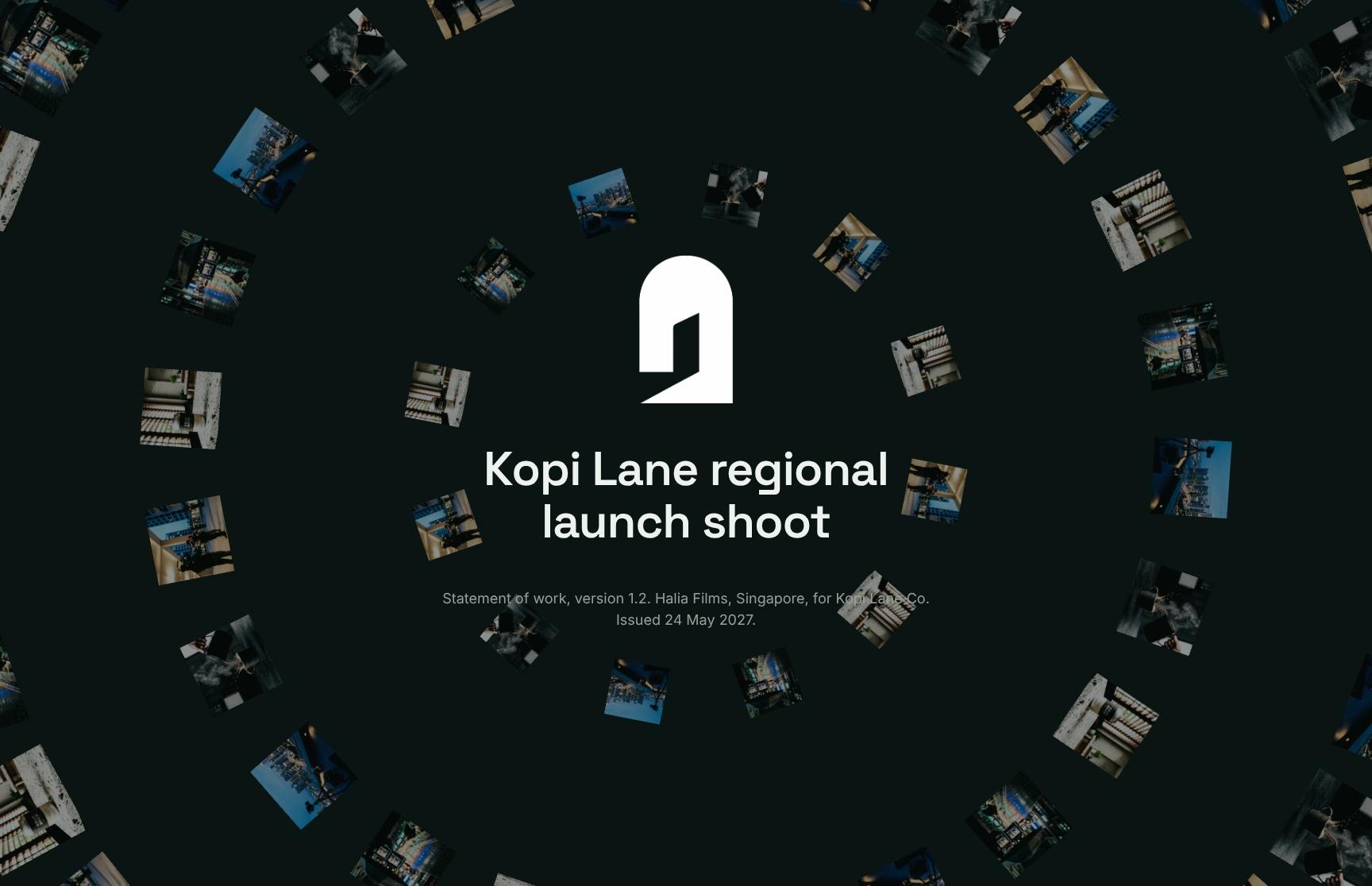
Portfolios, film proposals, shoot estimates and statements of work for each stage. Add your showreel, stills and budget, and send it in your studio's look.
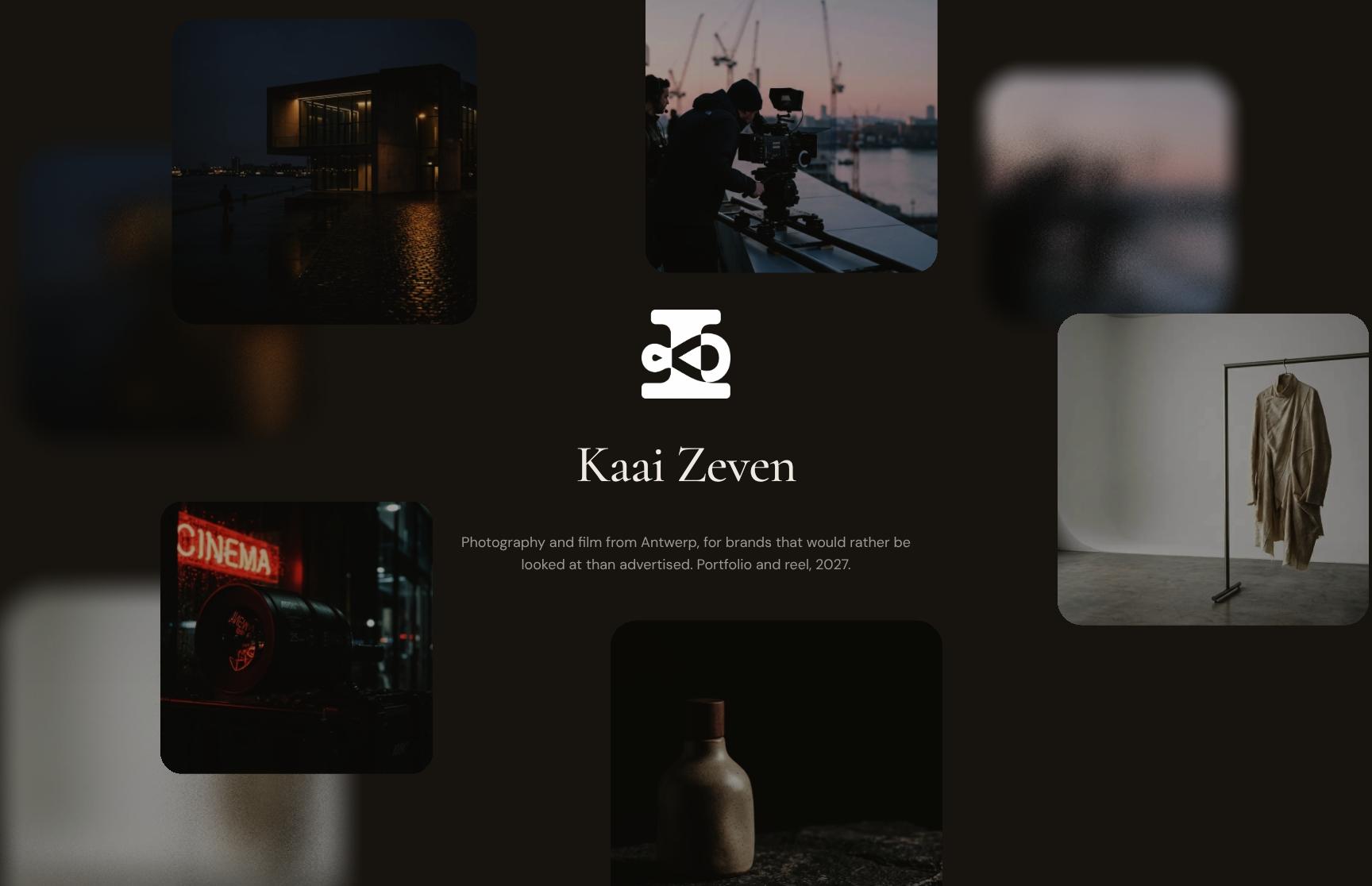
Antwerp
Go from first draft to your client.
Lay out your showreel and stills with your budget and shoot timeline. Share it privately with your client, see what they read, and collect answers and approvals on the same page.
- Blocks for showreels, stills, budgets and shoot timelines
- Logo, fonts and colours set once
- Start from a template or duplicate your last project
On a private link, only the people you invite can open the document. They sign in with a code sent to their email.
See who viewed it on a private link, the time spent on each section, heatmaps and session replay.
Clients answer your questions on the page. Clients switch optional services on or off and see the total update. They approve with a slide or sign on the page.
Add more to every video and photo presentation.
Embed YouTube and Vimeo films, budget sheets and location maps next to your stills. Publish it all on your studio's own domain.
What changes when the document is a page.
Three studios, in their own words.

“Formlio has significantly improved how our agency presents proposals and pitches. We saw an immediate impact, winning contracts on the first two projects where we used the platform, and we've continued to see a strong correlation between using Formlio and converting opportunities into clients.One of its biggest strengths is the insight it provides into client engagement. Knowing when a proposal has been viewed, which sections attracted the most attention, and how recipients interact with the content removes much of the uncertainty from the sales process and allows us to follow up with far greater confidence.”


“Formlio has changed how we present fee proposals. A PDF feels like it belongs in another era by comparison. What clients receive instead is interactive, beautifully laid out, and immediately signals that you're a business operating at the level they expect. It's the kind of first impression that lands before they've even read a word. The team are very helpful whenever I have questions, and new features keep rolling in, which tells me they're invested in making it better for the long haul.”


“The level of customisation is a real strength. It allows you to create something that feels aligned with your own visual identity, without compromising on speed or usability. And importantly, it moves proposals away from static documents into something far more dynamic and engaging.”

Common questions from video and photo studios.
Showreels, shoot budgets, confidentiality, client accounts, signatures and reuse for your treatments and estimates.
Yes. Upload your video and trim it in the editor, or embed it from YouTube, Vimeo or Dailymotion. Video also works inside galleries, cards and heroes.
Yes. Add a form section to any document, with required, choice and conditional questions, inline or step by step. Clients answer on the page, and you see their answers in the document.
Yes. The interactive quote shows required and optional items such as extra shoot days or edits. The client switches them on or off and the total updates.
Start from a video or photography template and swap in your work and budget, and it takes minutes rather than hours. Your logo, fonts and colours are set once.
Use a private link. Only the people you invite can open it, others can request access, and you can see who viewed it.
No password is needed. On a private link they sign in with a code sent to their email, the link in their invite or Google. On a public link anyone with the link can read, and they verify their email to approve or sign.
Signatures are compliant with eIDAS in the EU and ESIGN and UETA in the US. Signers verify their email first, and Formlio records their consent, the time and a fingerprint of the document.
Yes. Save your showreel, process and rate sections as reusable blocks, then duplicate a past estimate for the next brief.

Start with your next shoot.
Bring your showreel, stills and budget, and send your client one link.
Publish two documents a month for free
Publish two documents a month for free
Publish two documents a month for free
Publish two documents a month for free